Mobile phone system*80
Received calls
– Press the Memory control button in a telephone menu.
– Select Received calls ⇒ page 77, fig. 94. The last ten calls that
have been answered will be stored.
– Select the number required using the control knob. The number
will be included in the keyboard.
– Press the Dial control button.
The last ten
8)
names or numbers of the calls you have answered are stored in
the Calls received list.
Depending on your type of mobile phone, the telephone number and name of
the most recent received call will appear either at the first position or last
position in the list.
Missed calls
–Press the Memory control button.
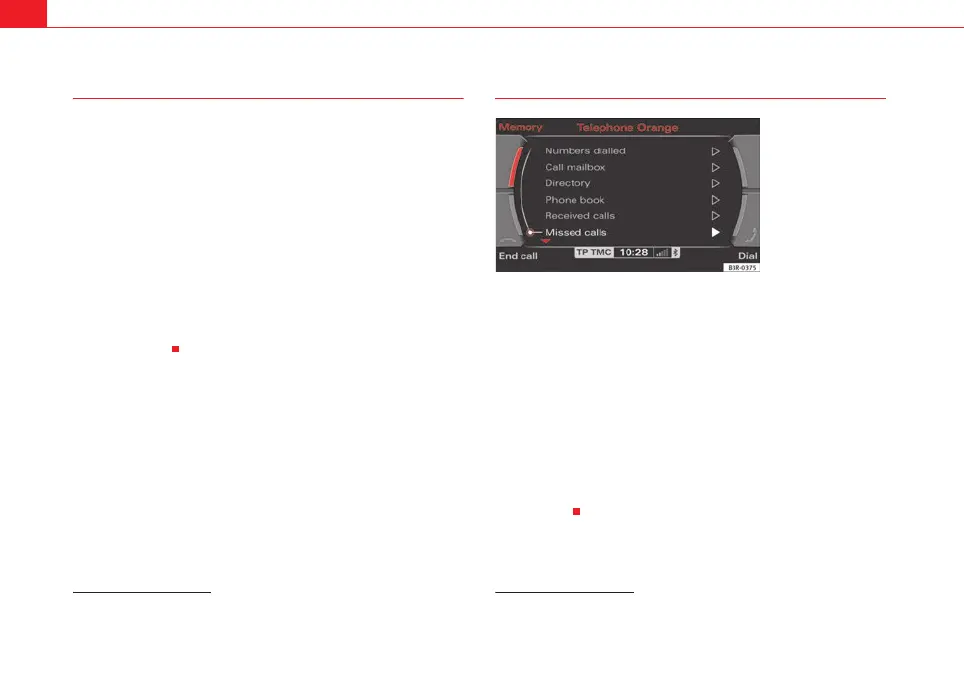
– Select Missed calls ⇒ fig. 98.
– Select the number required using the control knob. The number
will be included in the keyboard.
–Press the Dial control button.
The last ten
9)
names or numbers of the calls you have missed are stored in
the Missed calls list.
Depending on your type of mobile phone, the telephone number and name of
the most recent missed call will appear either at the first position or last posi-
tion in the list.
8)
The total number of phone numbers for received calls that can be stored may vary de-
pending on your service provider.
9)
The total number of phone numbers for missed calls that can be stored may vary de-
pending on your service provider.
Fig. 98 Telephone:
Missed calls
media_systemE_EN.book Seite 80 Montag, 21. September 2009 1:48 13



 To Next Page