Mobile phone system*90
Help function for the telephone speech control system
– Switch on the speech control system ⇒ page 88.
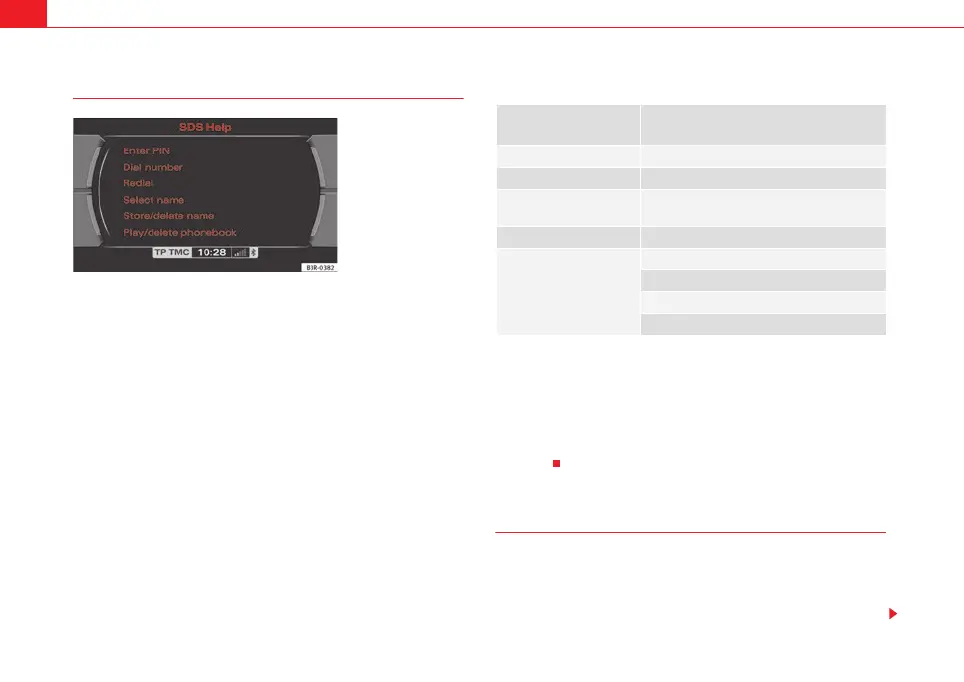
– Say the command HELP. The system will show possible
commands in the display ⇒ fig. 109 and will also speak the
commands.
If no command is given by the user or if the system does not recognise the
command after activation of the speech control system ⇒ page 88, the
system will give the cue Pardon?> and will wait for a command. If the user still
does not say a command, the speech control system will indicate which
commands can be given in the current situation. If still no command is given
by the user, the system will end the dialogue with Cancel.
Furthermore, you can specifically request assistance for the current situation
by saying HELP.
Example of help cues (for selecting a number from the phone book)
The message SPEAK will appear in the instrument panel display when the
commands are being read out. This indicates that the speech control system
is active.
When the system has finished reading out the possible commands, first re-
activate the system by pressing the talk button and then say the desired
command.
“Enter PIN” command
– Switch on the speech control system ⇒ page 88.
–Give the command ENTER PIN.
– Say the individual digits of your PIN code.
Fig. 109 Display: List of
possible commands
Operation/
Command
Cue from
speech control system
a)
a)
The messages are short and follow a logic.
Briefly press talk button Acoustic signal: beep
Dial number The number, please?
(example): ZERO, ONE,
TWO, THREE
Zero, one, two, three
No command given Pardon?
No command given
These are the commands available:
Dial
Repeat
Correct
media_systemE_EN.book Seite 90 Montag, 21. September 2009 1:48 13



 To Next Page