Parameterizing
9.2 Parameterizing the operator interface
SENTRON PAC4200
150 System Manual, 09/2009, A5E02316180B-02
COMMUNICATION
MAC-ADDR: MAC address. Read only.
IP-ADDR.: IP address.
SUBNET: Subnet mask.
GATEWAY: Gateway address of a computer that can set up a connection
from the network defined in the field "SUBNET" to another
network (e.g. a router).
PROTOCOL: MODBUS TCP
9.2.9 Display
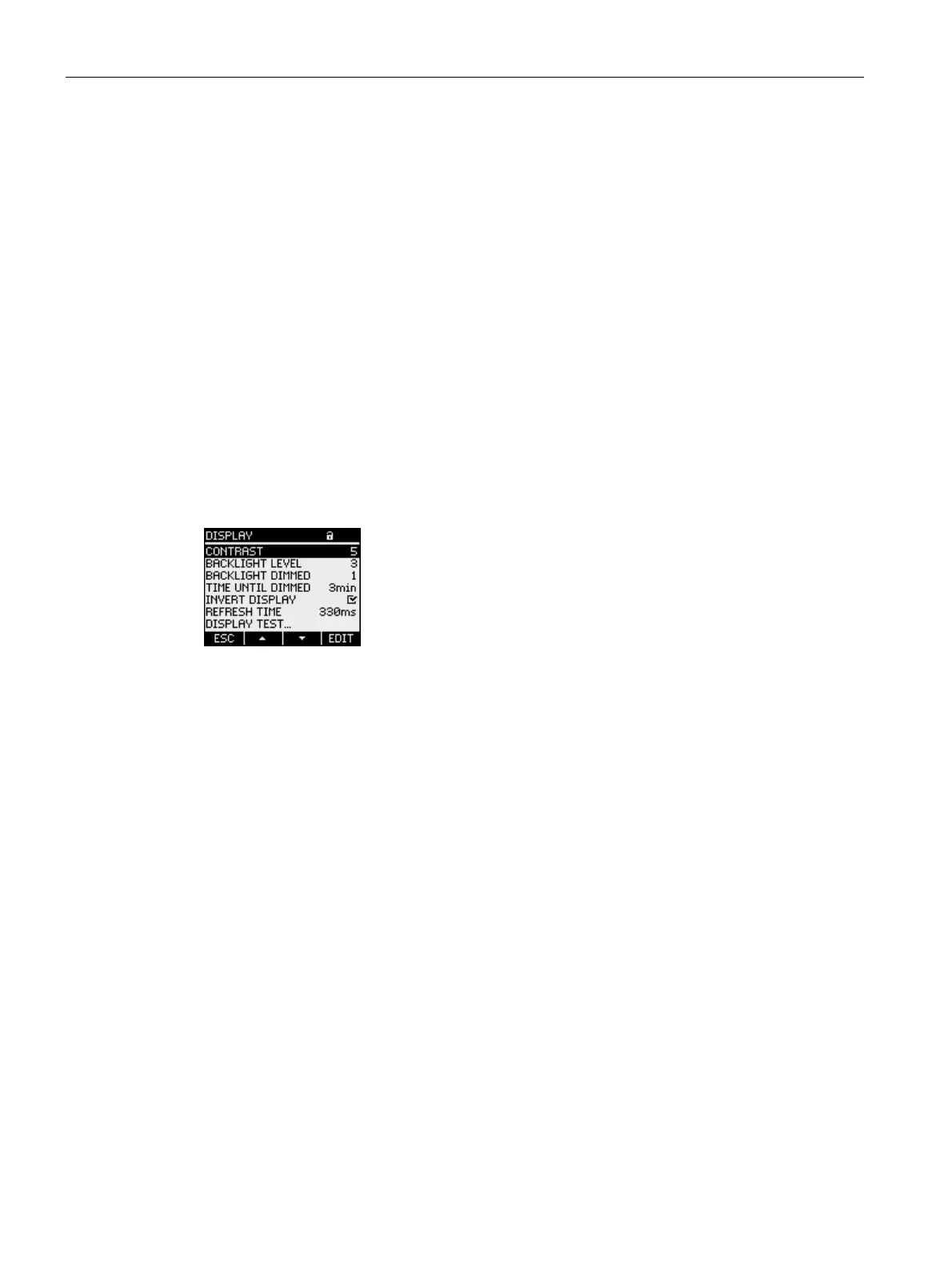
Device settings for the SENTRON PAC4200 display.
Call: "SETTINGS > DISPLAY".
Figure 9-11 "DISPLAY" device setting
DISPLAY
CONTRAST Contrast of the LC display.
Range: 0 to 10.
Default: 5
BACKLIGHT LEVEL Intensity of the backlighting of the LC display.
The value "0" switches the backlighting off.
Range: 0 to 3.
Default value: 3
BACKLIGHT DIMMED Intensity of the backlighting of the LC display. Set by the
device after the display time until dimmed expires. See
"TIME UNTIL DIMMED" field
The value "0" switches the backlighting off.
Range: 0 to 3.
Default value: 1



 To Next Page