Connecting
6.7 Connecting the SENTRON PAC 4DI/2DO expansion module
SENTRON PAC4200
98 System Manual, 09/2009, A5E02316180B-02
6.7 Connecting the SENTRON PAC 4DI/2DO expansion module
Procedure
1. Connect the reference potential in the control cabinet to the equipotential bonding rail.
2. Connect the cables to the appropriate screw terminals on the terminal block. You can find
the assignments of the terminals in the above figures.
3. Connect the cable shield, if available, at one end with the protective conductor.
4. Connect the protective conductor PE to the "reference potential" terminal.
5. Make sure that there is sufficient strain relief for the cables.
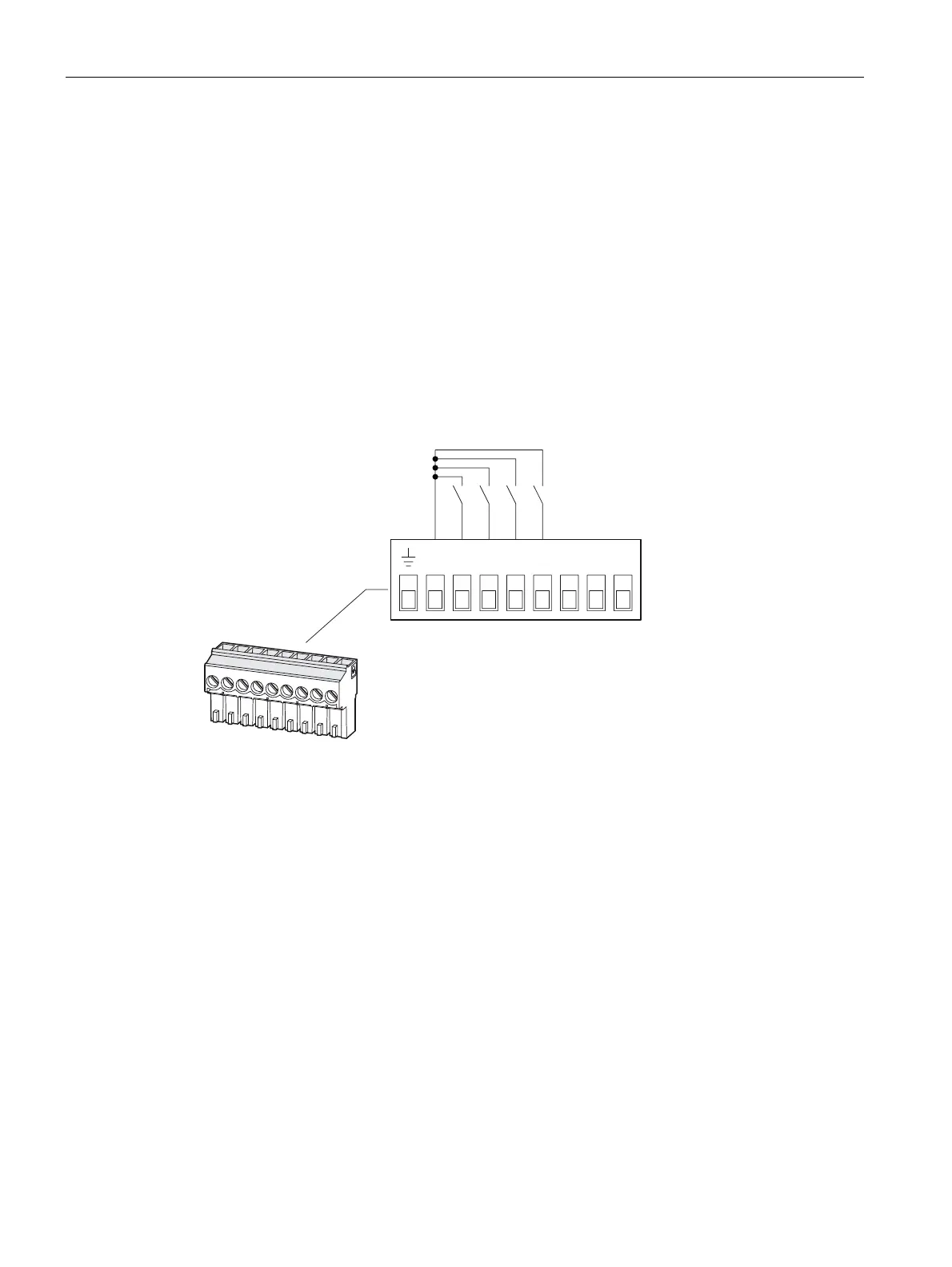
Digital inputs
',& ', ', ', ', '2& '2 '2
DIC Digital input common
DI3 Digital input 3
DI2 Digital input 2
DI1 Digital input 1
DI0 Digital input 0
Figure 6-27 Terminal assignment with switching of the digital inputs with internal power supply



 To Next Page