Overspeed Warning
The Overspeed Warning system calculates the alert
threshold based on parameters set by the driver. It issues
alerts when the vehicle speed exceeds the set threshold.
Function Settings
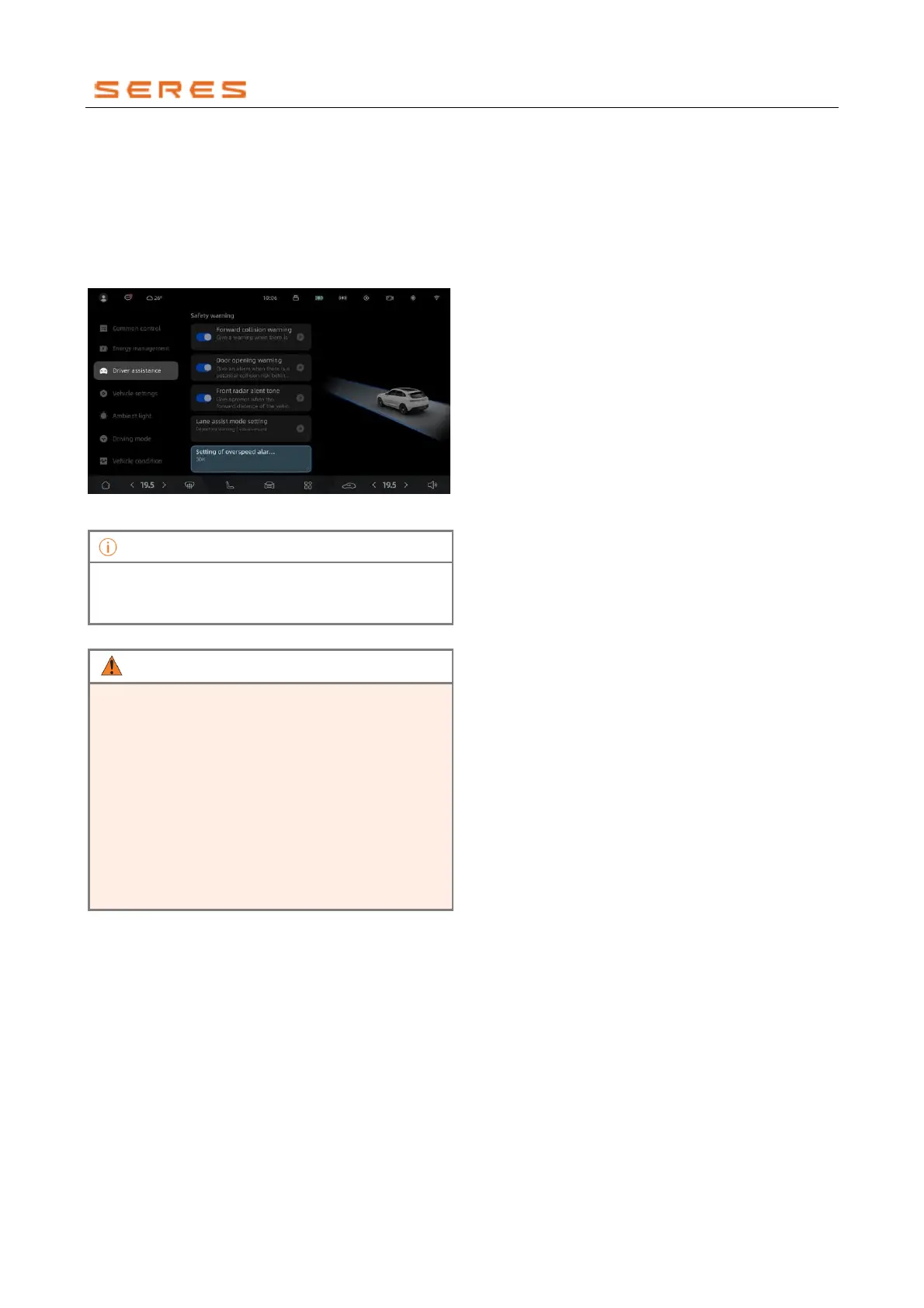
Access the vehicle setting on the central control screen >
Assistant Driving, and set the alert threshold.
* The image is for reference only; please refer to the actual
product
• Overspeed Warnings are for speed limit display
and reminders only; they cannot actively intervene
or adjust the vehicle's driving speed.
• Drivers should operate the vehicle in accordance
with local traffic laws and regulations and consider
actual road conditions to ensure safety.
• Drivers should always stay vigilant, closely
observe various potential dangers in the
surroundings, and intervene or take control of the
vehicle manually when necessary to ensure safe
driving. Violating the above operations may impact
your safety while driving, leading to accidents,
severe property damage, or even personal injury.



 To Next Page