During the parking process, always stay focused, pay
attention to the safety of the surrounding environment,
be ready to step on the brake pedal, and take control of
the vehicle. As the driver, you bear full responsibility for
safe parking.
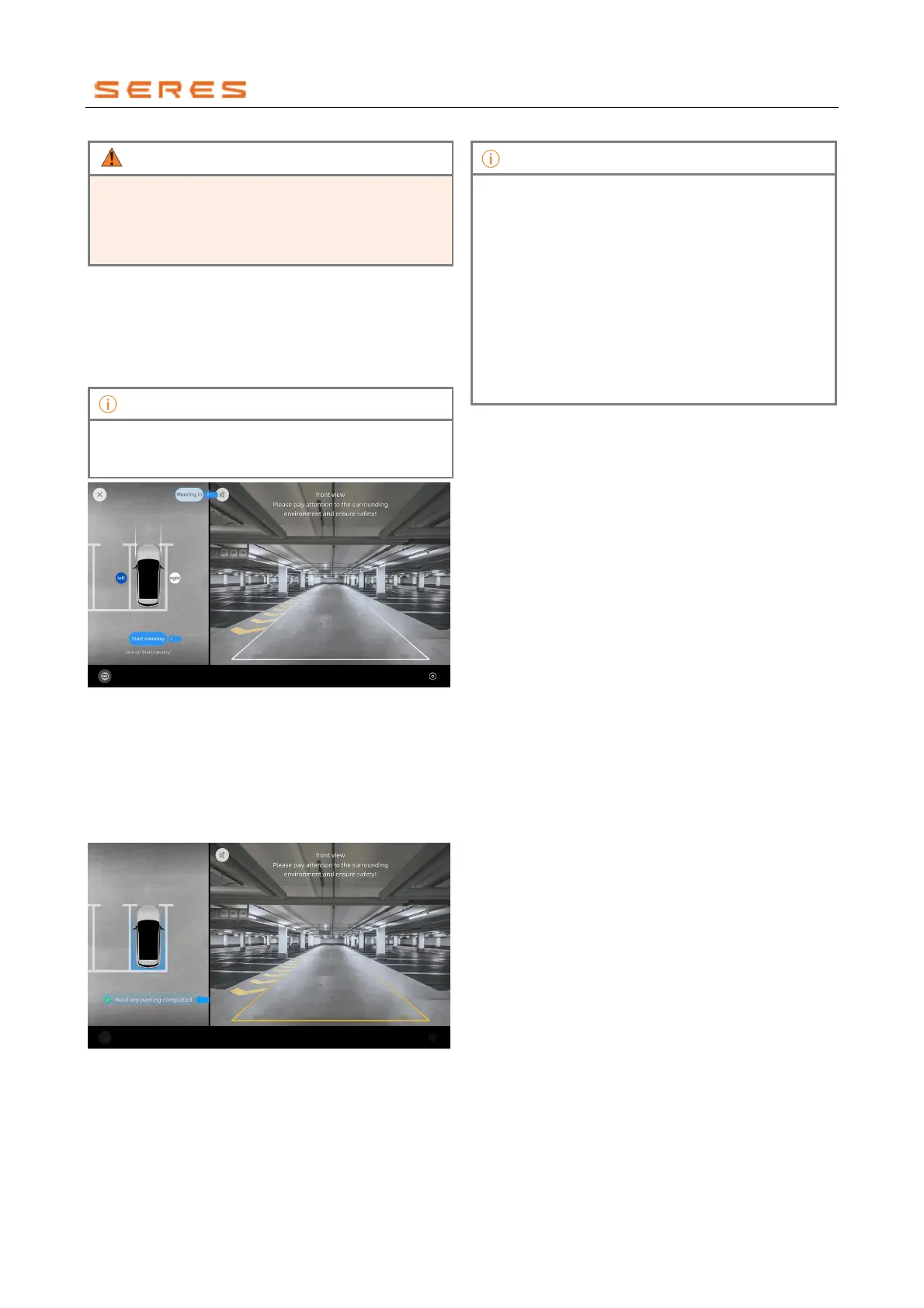
1. After activating the parking function, step on the
brake pedal, and with the vehicle in a stationary state,
tap the upper left corner "Park In/Park Out" to switch
to the Park Out mode (the icon displays "Park In" in
Park Out mode). Choose the direction for parking out
and click "Start Park Out" to initiate the assistant park
out function.
If the system detects that the road ahead is relatively
clear, the central control screen will prompt you to park
out the vehicle manually.
* The image is for reference only; please refer to the actual
product
2. According to the prompts on the central control
screen, release the brake pedal and the steering
wheel.
3. Once the vehicle has parked out of the space, a
reminder of completion will appear, and the parking
interface will automatically exit. Please take control of
the vehicle promptly.
* The image is for reference only; please refer to the actual
product
● When parking out of a space, the system defaults
to the vehicle parking out towards the left. You can
manually choose to park out towards the right.
● This function only supports side parking out and
exclusively supports parking out with the front of
the vehicle. After parking out with the front of the
vehicle, you need to manually drive the vehicle out
of the space.
● This function is not available when the vehicle
detects a relatively open surrounding environment.
● When parking into or out of a space, you can
decelerate or temporarily stop by lightly pressing
the brake pedal.



 To Next Page