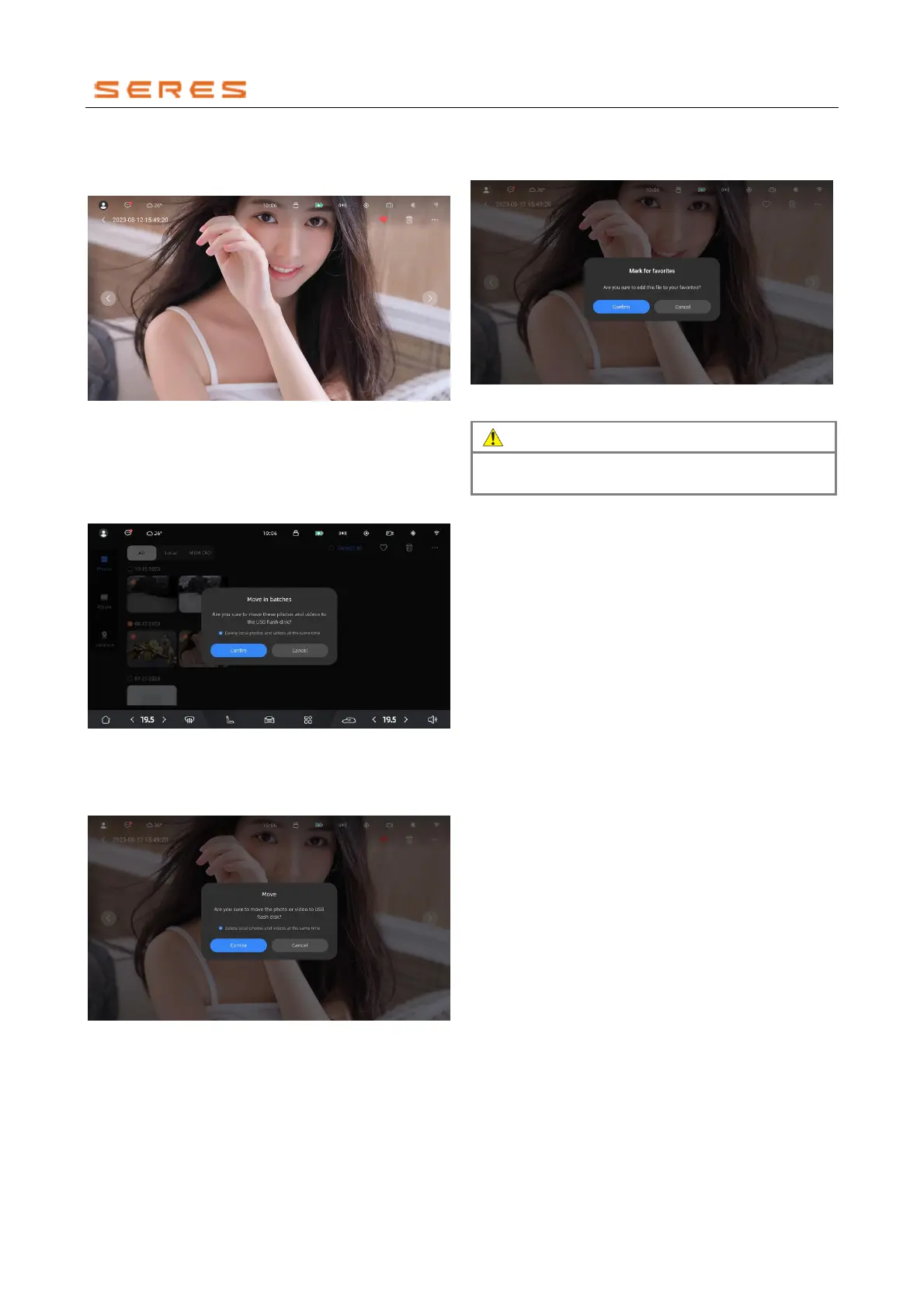
Full Image Viewing: Click on a thumbnail image to enter
full-image viewing mode. Images can be zoomed in and
out with two fingers for a clearer view of details.
* The image is for reference only; please refer to the actual
product
Move Images to USB Drive
Batch Move: Insert a USB drive, long-press on
images/videos in the thumbnail page to batch-select
images/videos to move, click on the move icon in the top
right corner to move them to the USB drive.
* The image is for reference only; please refer to the actual
product
Single Image Move: Insert a USB drive, select the
images/videos to move, click on the move icon in the top
right corner to move them to the USB drive.
* The image is for reference only; please refer to the actual
product
Favorite Images
Click on the favorite icon to add the current image/video to
the favorite album. Click on the
already-favorited icon again to unfavorite the current
image/video.
* The image is for reference only; please refer to the actual
product



 To Next Page