Travel and Entertainment 丨 135
Users can click this button to
enable/disable this feature. When
enabled, DAB will search for an
alternative station with the best
signal in case the current station
loses signal. If the current station
cannot receive a signal, it will
seamlessly switch to the alternative
station, ensuring a continuous
listening experience for users.
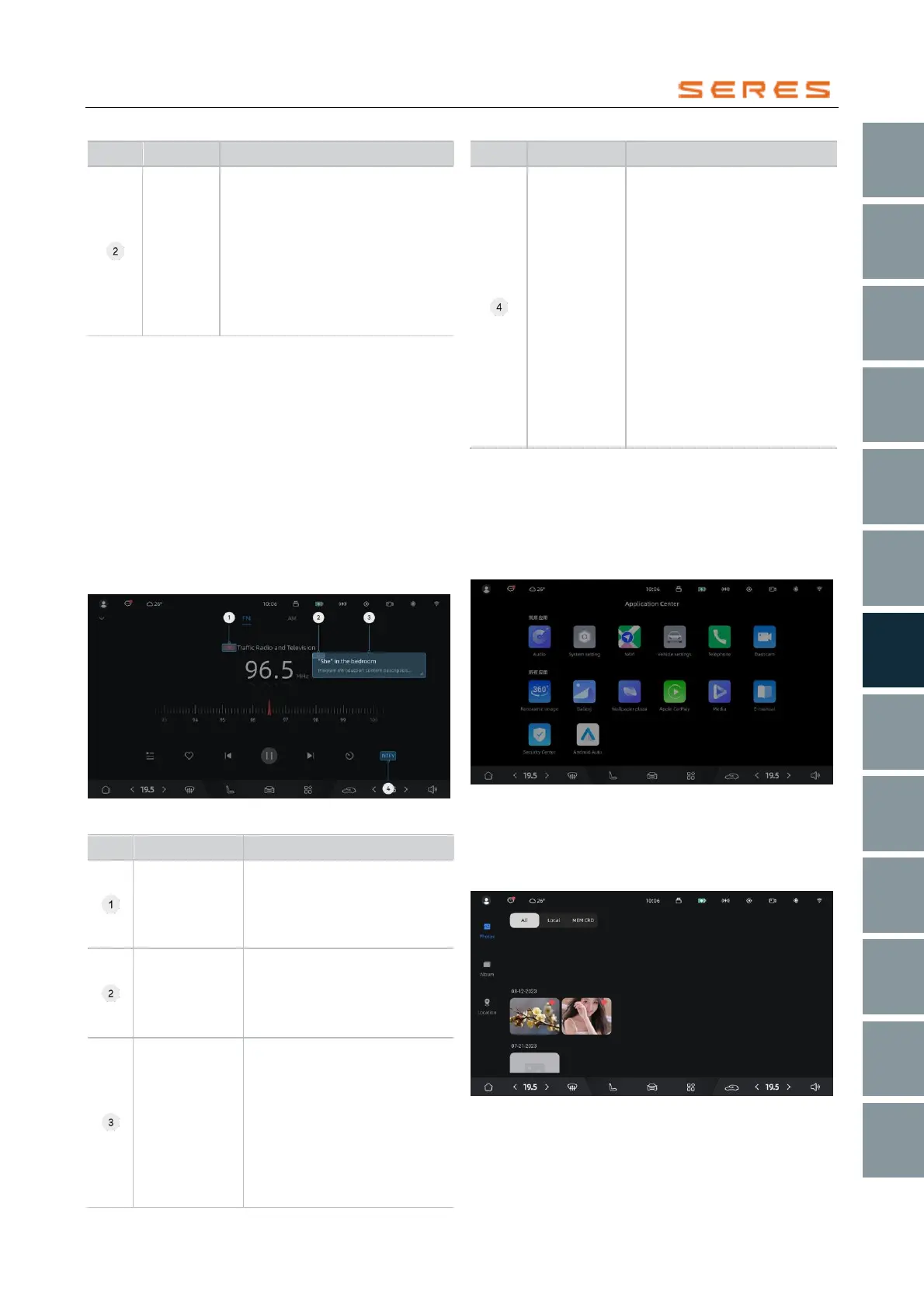
RDS Extension in FM
RDS (Radio Data System , refers to a wireless data
system used in radio broadcasting) is a digital signal
transmission technology used in FM broadcasting. It can
display information about the broadcasting station and the
currently playing song on the radio, such as channel name,
song title, artist, and album, etc. This information is
transmitted through RDS encoders in the broadcast signal
and displayed on the screen of the in-Vehicle audio system
(must support RDS functionality).
RDS can also provide announcement services, offering
timely practical information to users about emergency
events and traffic updates. This helps drivers avoid traffic
congestion and hazardous road sections, enhancing
driving safety.
* The image is for reference only; please refer to the actual
product
Traffic Program
Identification
(TP)
When the TP indicator is
displayed on the FM page, it
indicates that the current station
is broadcasting traffic
announcements.
Traffic
Announcement
Identification
(TA)
When the TA indicator is
displayed on the FM page, it
indicates that the currently
tuned program is broadcasting
traffic announcements.
It extends support to display
information about the
broadcasting station and the
currently playing song. This
includes details like channel
name, program type, program
text information (song title,
artist, and album), displayed in
real-time based on dynamic text
content.
Clicking on the announcements
button reveals types of
announcements. Users can
choose to enable/disable
specific announcement types
(emergency announcements
cannot be disabled). When an
enabled announcement is
triggered, it appears in a popup.
Users can click the close button
on the popup to close the
announcement popup in
advance (emergency
announcement popups cannot
be manually closed), restoring
normal broadcast program
playback.
Gallery
Enter the gallery to view images and videos on the in-
Vehicle system's local storage and the storage card, easily
managing your visual resources.
Enter the Gallery
On the central control screen, click on the Application
Center > Gallery to enter the gallery.
* The image is for reference only; please refer to the actual
product
Browse the Gallery
Thumbnail Browsing: Display images in thumbnail form,
sorted by timeline from recent to older. Supports scrolling
up and down and clicking on images for viewing.
* The image is for reference only; please refer to the actual
product



 To Next Page