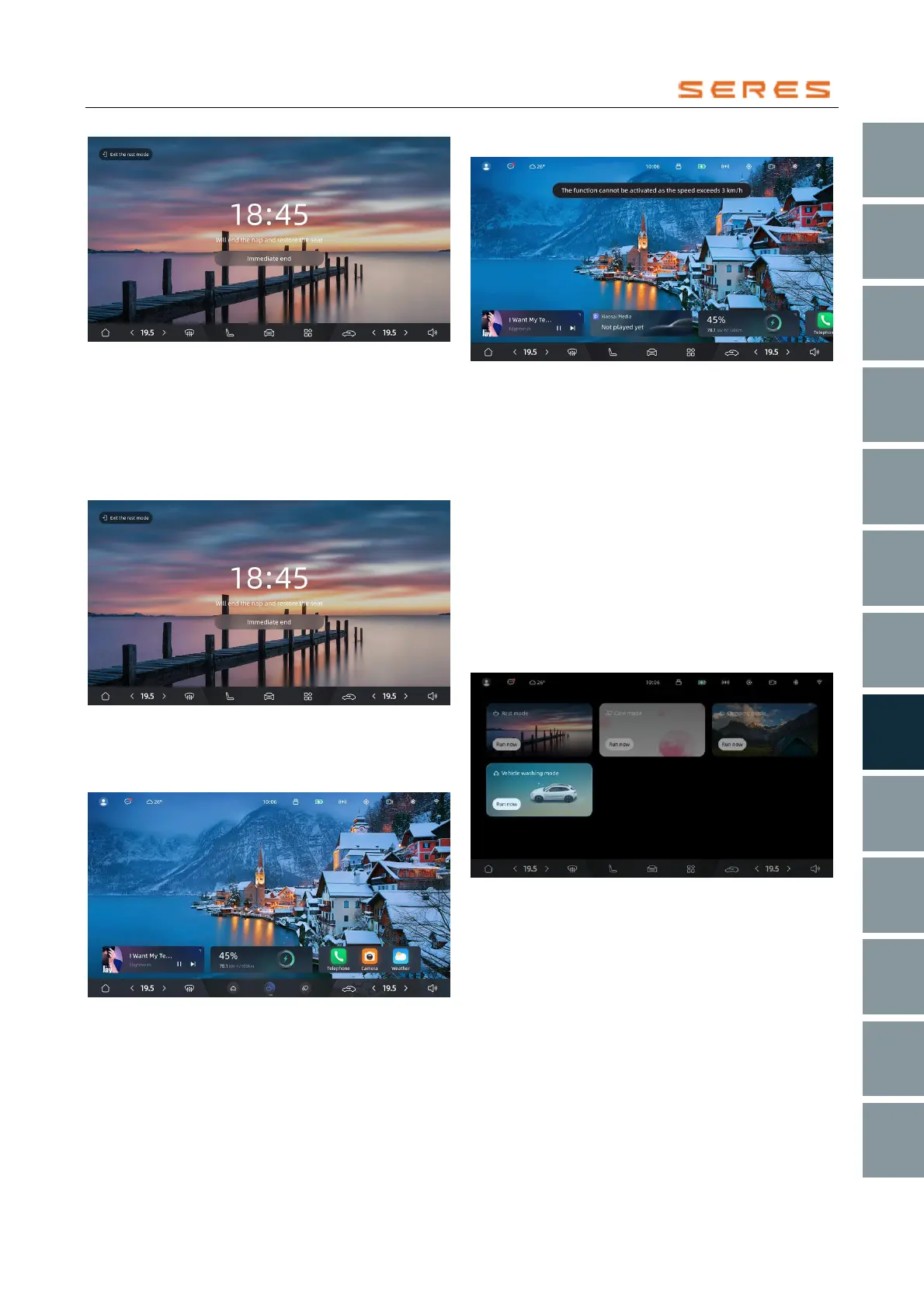
* The image is for reference only; please refer to the actual
product
● If the gear position is not in P gear, it will exit the rest
mode directly.
● When you switch accounts, it will exit the rest mode.
● When the set rest time is reached, the alarm will play
for 60 seconds before exiting the rest mode. During
the alarm playback, you can also click the exit button
to exit directly.
* The image is for reference only; please refer to the actual
product
● You can slide the dock bar to switch to the scenario
dock, return to the rest mode interface, and then close
it.
* The image is for reference only; please refer to the actual
product
Wash Mode
When there is a need for Vehicle wash, you can activate
the regular Wash Mode and the conveyor belt Wash Mode.
Regular Wash Mode Preconditions
When activating the regular Wash Mode, the following
conditions must be met; otherwise, a popup reminder will
appear, and you cannot enter the regular Wash Mode:
● Vehicle speed < 3 km/h.
* The image is for reference only; please refer to the actual
product
Conveyor Belt Wash Mode Preconditions Under regular
Wash Mode, switch to conveyor belt Wash Mode
Activate regular Wash Mode
After activating the Wash Mode, the following actions will
be performed: turning off the Climate controls, turning off
automatic wipers, closing Windowss, deactivating the
distance lock function, stopping the range extender and
prohibiting it, folding the rearview mirror, and retracting the
door handle.
You can enter the Wash Mode settings page through any
of the following methods:
● Swipe down the drop-down quick bar from the top of
the Central Control screen, swipe left to enter the
scenario mode shortcut bar, click the button in the
Wash Mode to immediately activate the regular Wash
Mode.
* The image is for reference only; please refer to the actual
product
● You can slide the dock bar to switch to the scenario
dock, where you can enable the Wash Mode.



 To Next Page