152 丨 Charging and Refueling
DC Charging Station Charging
You can charge the vehicle using the fast-charging mode
at a DC charging station.
Charging with DC Charging Station
1. Bring the vehicle to a complete stop and shift the
gear position to Parking (P gear).
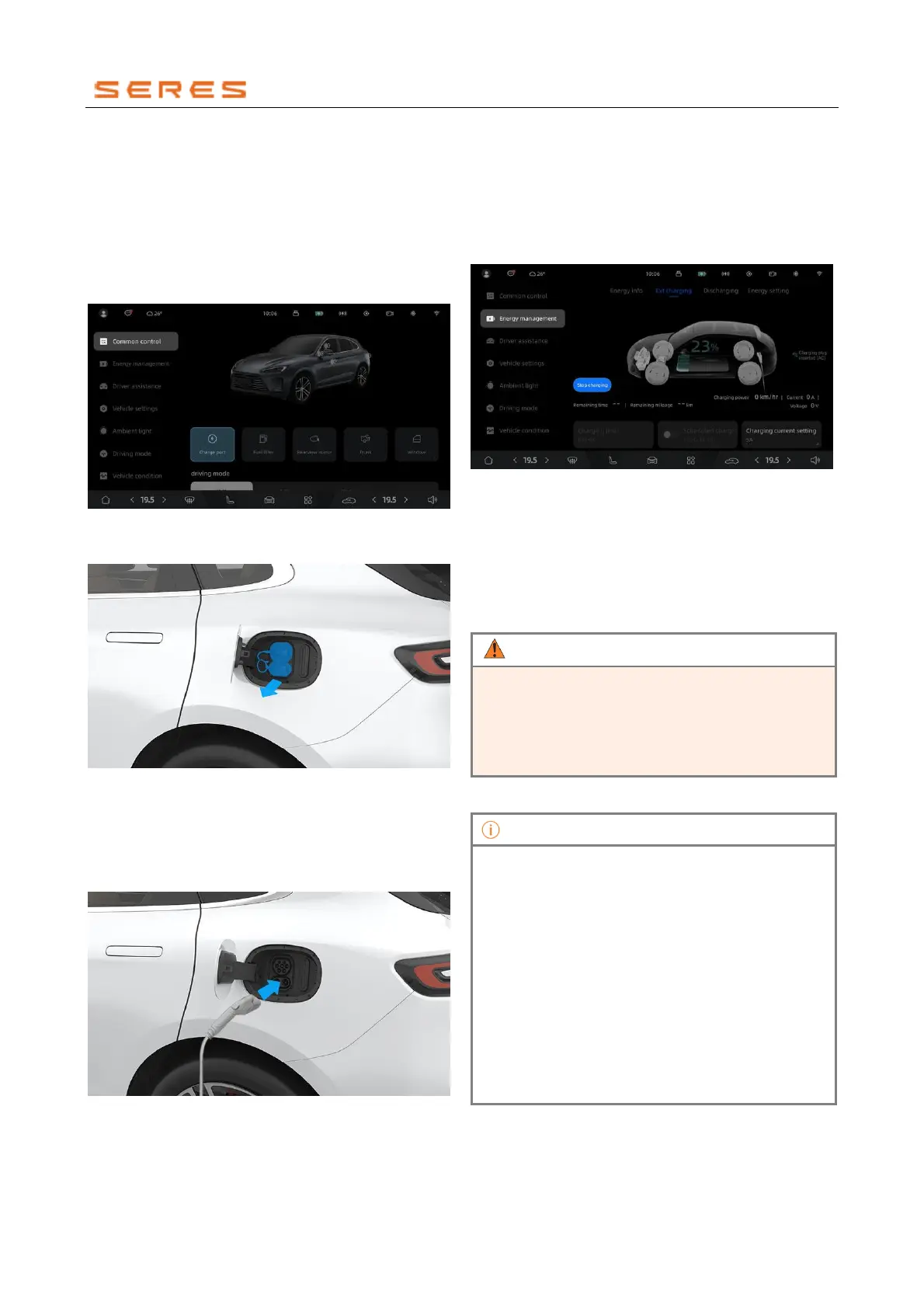
2. On the central control screen, go to Vehicle Setting >
Common Control, click the switch to open the
charging port cover.
* The image is for reference only; please refer to the actual
product
3. Remove the charging port cover.
* The image is for reference only; please refer to the actual
product
4. Press the button on the charging gun to remove the
charging gun protective cover.
5. Insert the fast-charging station charging gun correctly
into the vehicle's fast-charging port, and hear a "click"
sound indicating that the charging gun is in place.
* The image is for reference only; please refer to the actual
product
6. Follow the instructions provided by the fast-charging
station and start charging.
7. You can set the charging limit through the central
control screen.
8. If you need to stop charging midway, go to Vehicle
Setting > Energy Management on the central control
screen, click the switch to end the charging process.
* The image is for reference only; please refer to the actual
product
9. After charging is complete, press the button on the
charging gun and remove the charging gun.
10. Close the fast-charging port cover.
11. Close the charging port cover and press its rear part
until the charging port cover plate locks.
12. Place the DC charging gun back in its original
position on the fast-charging station.
• Please use fast-charging stations that meet the
standard.
• Strictly follow the operation procedures of the fast-
charging station to charge or stop charging. During
the charging process, do not randomly plug or
unplug the DC charging gun.
• In low-temperature environments, the power
battery may experience a decrease in charging
efficiency or an inability to charge. In such cases,
when you connect the charging equipment to the
vehicle's charging port for charging, the system
will automatically heat the power battery to an
appropriate temperature for charging to proceed
automatically.
• In low-temperature environments, the charging
port cover may freeze, preventing it from popping
out. In such cases, thawing treatment should be
performed first.
• Use fast-charging stations that match the fast-
charging power for optimal fast-charging
efficiency.



 To Next Page