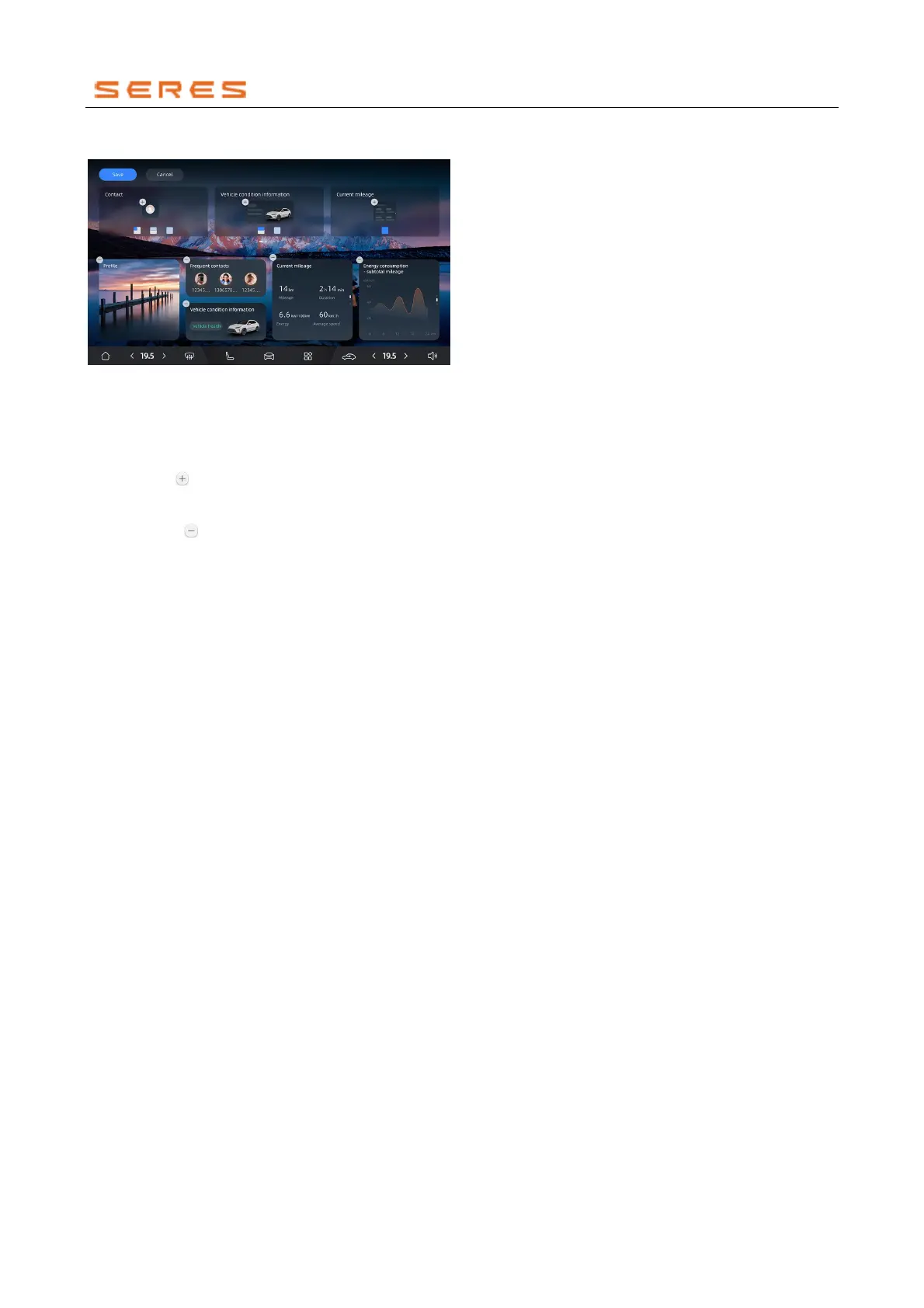
Customize Humanistic Desktop:
* The image is for reference only; please refer to the actual
product
You can edit service cards on the Humanistic Desktop in
the following ways:
● Long-press any card on the Humanistic Desktop to
enter edit mode.
● Click the button on cards in the component library
or drag to add service cards. Cards support small,
medium, and large sizes.
● Click the button to remove the corresponding
service card.
● Click save to return to the Humanistic Desktop,
completing the custom edit.
● Click cancel to exit custom edit mode.
Screensaver
Using Screensaver can reduce brightness interference
from the central control screen and create an atmospheric
cabin space.
Enable Dynamic Screensaver:
Click the time in the top status bar of the central control
screen to enter the dynamic screensaver. Swipe left or
right on the screen to switch screensaver styles.
Exit Dynamic Screensaver:
Click anywhere on the screen or swipe from the edges of
the screen towards the center to exit the dynamic
screensaver.



 To Next Page