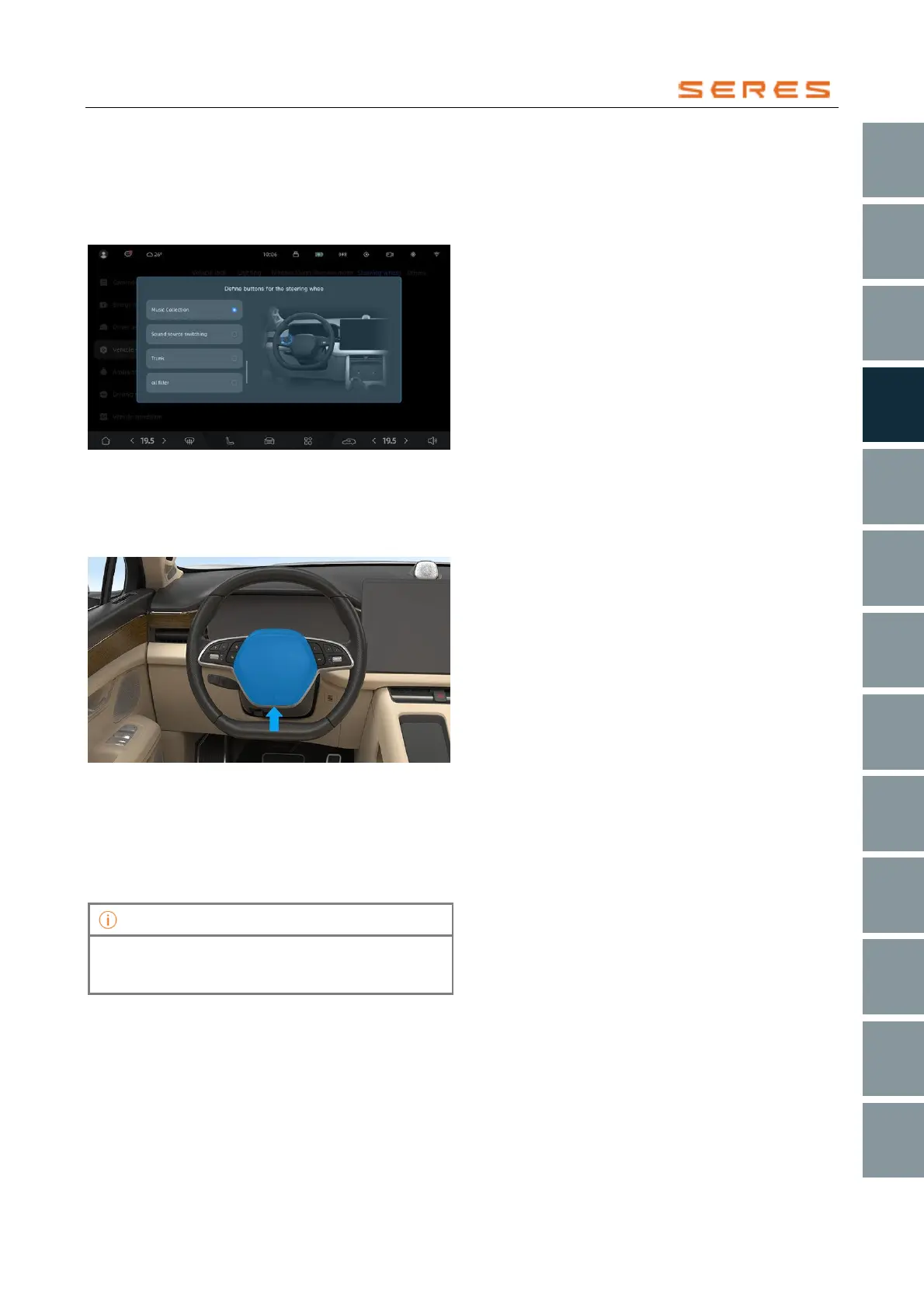
Custom Steering Wheel Buttons
In the central control screen, go to Vehicle Setting >
overall setting > Steering Wheel > Custom Buttons.
Click to select the function you want to define, such as
audio source switch, Rear Trunk, fuel filler, charging
port, etc.
* The image is for reference only; please refer to the actual
product
Horn
Press the horn switch in the middle of the steering wheel,
and the horn will sound; release the horn switch, and the
horn will stop sounding.
* The image is for reference only; please refer to the actual
product
Steering Wheel Heating
If you have equipped the steering wheel heating, in cold
weather, you can activate the steering wheel heating
function. In the central control screen, go to Vehicle
Setting > overall setting > Steering Wheel, select the
steering wheel heating level, Off, Level 1, Level 2, Level 3.



 To Next Page