Adjust the temperature of the passenger-side Climate controls.
● Slide left or right to adjust the temperature. Click the "Sync" button on the temperature
adjustment bar to synchronize the temperature to the driver's side.
● Click the arrows on either side of the temperature to adjust.
Activate or deactivate the A/C switch.
Click to switch the Vehicle's air circulation mode, cycling through outside circulation, inside
circulation, and automatic mode.
Activate or deactivate the automatic mode.
Click to open the app center, click again to close.
Click to enter the vehicle setting interface.
Activate or deactivate the Climate controls.
Click to enter the Front and Rear Seats adjustment interface, and turn on or adjust Front and
Rear Seats heating, ventilation, and massage functions (if equipped).
Click to activate the front windshield defrost function, click again to turn it off.
Support for selecting different air outlet modes. From left to right: face mode, face + foot mode,
foot mode, and window + foot mode.
Supports avoiding people scanning wind, automatic scanning wind, cooling scanning wind, and
turning off scanning wind functions.
Adjust the temperature of the driver's side Climate controls.
● Slide left or right to adjust the temperature. Click the "Sync" button on the temperature
adjustment bar to synchronize the temperature to the passenger side.
● Click the arrows on either side of the temperature to adjust.
After activating temperature synchronization, the passenger side temperature will change in
accordance with the adjustments made on the driver's side. If the passenger adjusts the
temperature independently, the synchronization mode will be exited.
Click to return to the central control screen desktop.
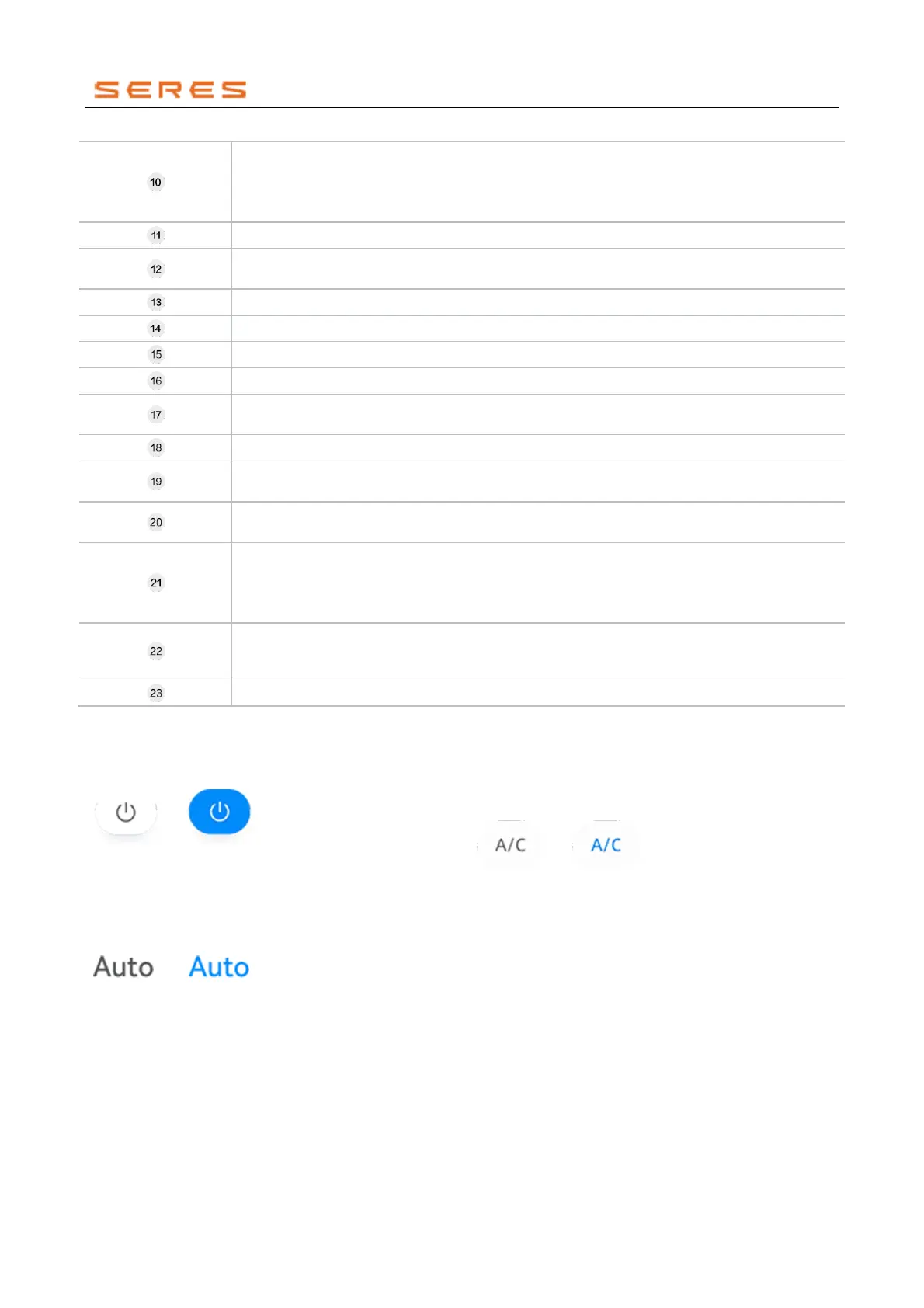
Climate controls master switch
Click to turn on/off the Climate controls.
* The image is for reference only; please refer to the actual
product
Auto switch
Click to turn on/off the automatic mode.
* The image is for reference only; please refer to the actual
product
Switch
Click to turn on/off the A/C.
* The image is for reference only; please refer to the actual
product
Rear defogger
Click to turn on/off the rear defogger.



 To Next Page