* The image is for reference only; please refer to the actual
product
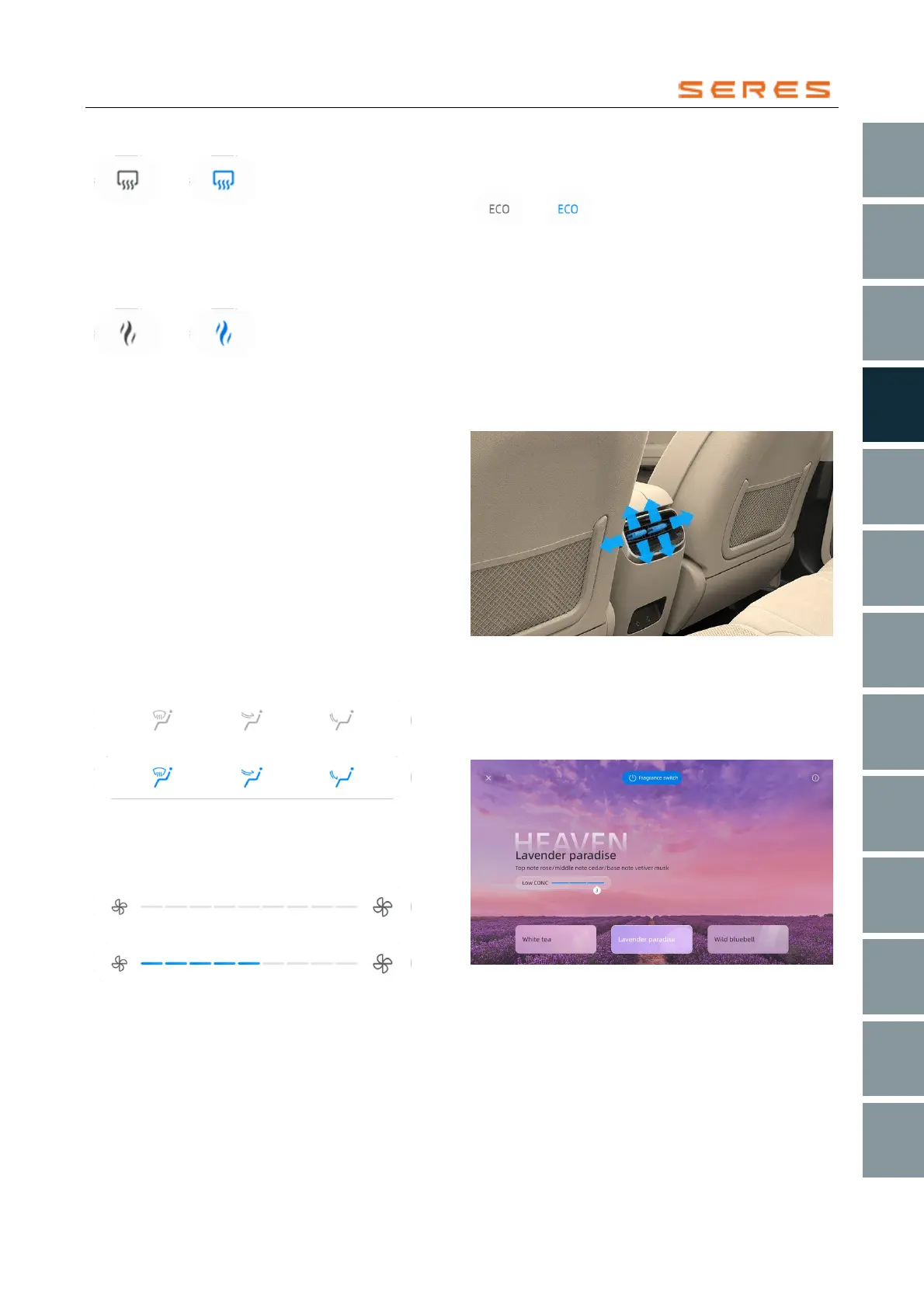
Fragrance
Click to open/close the fragrance popup.
* The image is for reference only; please refer to the actual
product
Settings
Click to open/close the settings popup.
Information
Display the interior PM2.5 index.
Driver's side temperature adjustment
Slide up and down to adjust the temperature.
Passenger's side temperature adjustment
Slide up and down to adjust the temperature.
Driver's automatic airflow
Click to expand and choose either automatic wind direction
or select cooling breeze, avoid people breeze, automatic
breeze, or turn off breeze.
Blow mode
Can be opened as BlowFace, BlowFace&Foot, BlowFoot,
BlowFoot&Windows, or BlowWindow.
* The image is for reference only; please refer to the actual
product
Airflow control module
Slide to adjust the size of the airflow.
* The image is for reference only; please refer to the actual
product
Energy-saving
Click to turn on/off energy-saving mode.
* The image is for reference only; please refer to the actual
product
Co-pilot automatic wind direction
Click to expand and choose either automatic wind direction
or select cooling breeze, avoid people breeze, automatic
breeze, or turn off breeze.
Back row air vent adjustment
Move the control panel up, down, left, and right to control
the direction of the back row air vent. Move the control
panel to the center to close the air vent at the maximum
position.
* The image is for reference only; please refer to the actual
product
Smart fragrance
You can adjust the fragrance type and concentration in the
Climate controls settings > fragrance interface for a
comfortable experience for you and your family and
friends.
* The image is for reference only; please refer to the actual
product
Fragrance switch
Click to turn on/off the fragrance.



 To Next Page