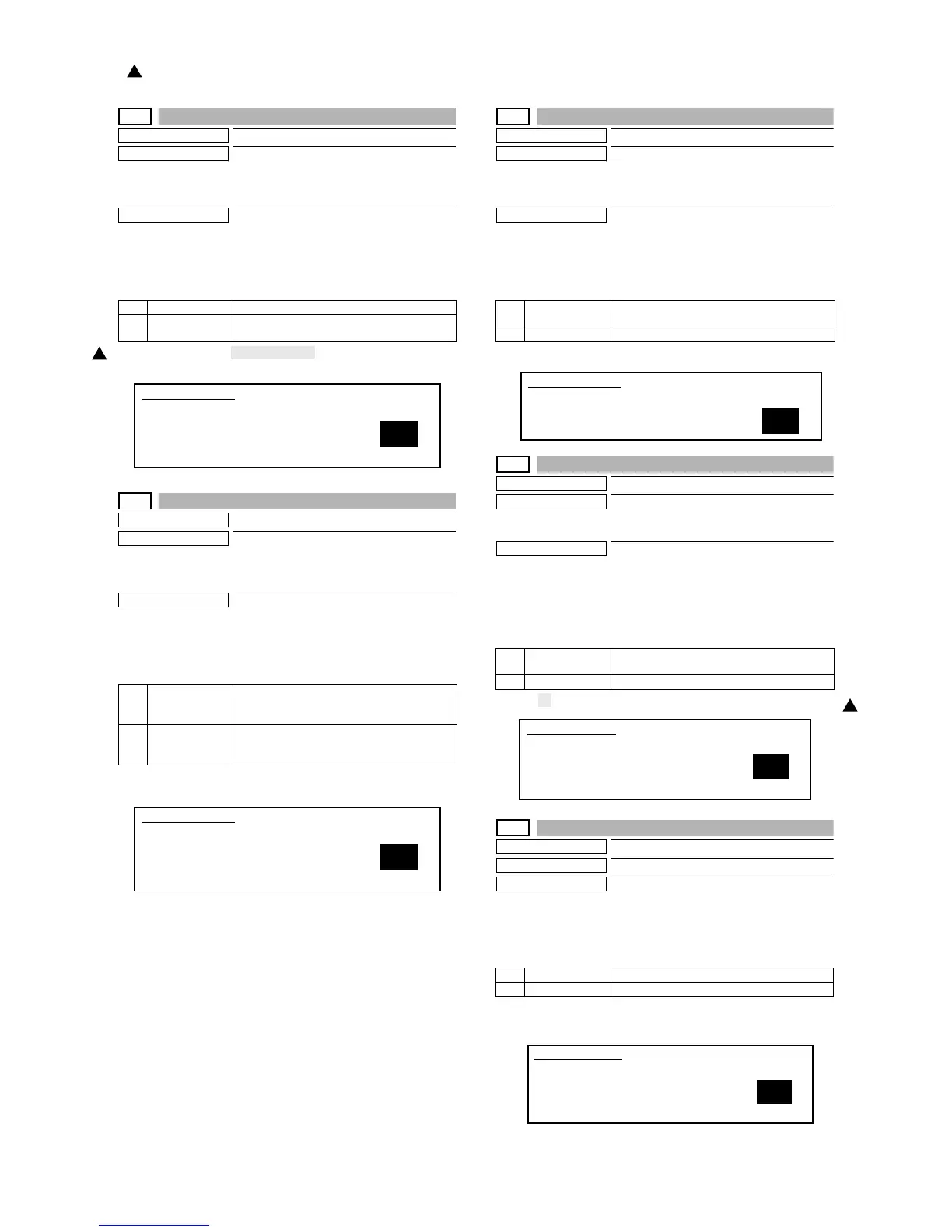
MX-M700N SIMULATION 7 – 28
26-30
Purpose
Setting
Function (Purpose)
Used to set the operation mode conforming
to the CE mark (Europe safety standards).
(Conforming to soft start when driving the
fusing heater lamp.)
Section
—
Operation/Procedure
1) Select the number that corresponds to the operation mode
with 10-key.
2) Press the [START] key.
(Default: 1 for Europe, Australia, China, 0 for the others)
26-35
Purpose
Setting
Function (Purpose)
Used to set whether the same continuous
troubles are displayed as one trouble or the
series of troubles with SIM 22-4 when the
same troubles occur continuously.
Section
—
Operation/Procedure
1) Select the number that corresponds to the operation mode
with 10-key.
2) Press the [START] key.
(Default: 0)
26-38
Purpose
Setting
Function (Purpose)
Used to set CONTINUE/STOP of printing
when maintenance timing is over and the
count value reaches 110% of replacement
timing (life).
Section
Others
Operation/Procedure
1) Select the number that corresponds to the operation mode
with 10-key.
2) Press the [START] key.
(Default: 0)
26-41
Purpose
Setting
Function (Purpose)
Used to set YES/NO of the automatic mag-
nification ratio selection (AMS) in the pam-
phlet mode.
Section
—
Operation/Procedure
1) Enter the number corresponding to whether AMS operation is
automatically performed or nor in the center binding mode with
the 10-key.
2) Press the [START] key.
(Default: 0)
26-50
Purpose
Setting
Function (Purpose)
Black-White reverse YES/NO setting
Section
—
Operation/Procedure
1) Select ENABLE/DISABLE of the B/W reverse mode with 10-
key.
2) Press the [START] key.
(Default: 1)
* No B/W reverse function for UK.
0 NO CE mark control NO (Normal operation)
1 YES CE mark control YES (Heater lamp soft start
operation)
0 ONCE When two or more troubles of a same kind occur
continuously, the troubles are displayed as one
trouble in the trouble history of SIM22-4.
1 ANY When two or more troubles of a same kind occur
continuously, the troubles are displayed in the
trouble history of SIM22-4 directly.
1
SIMULATION 26-30
CE MARK CONTROL SETTING. SELECT 0-1, AND PRESS START.
0. NO
1. YES
1
SIMULATION 26-35
TROUBLE MEMORY MODE SETTING. SELECT 0-1, AND PRESS
START.
0. ONCE
1. ANY
1
0 PRINT
CONTINUE
Print continue
1 PRINT STOP Print stop
0 NO AMS/APS selection allowed.
(enable AMS manually)
1 YES AMS is forcibly operated.
0 DISABLE B/W reverse mode DISABLE
1 ENABLE B/W reverse mode ENABLE
1
SIMULATION 26-38
LIFE OVER SETTING. SELECT 0-1, AND PRESS START.
0. PRINT CONTINUE
1. PRINT STOP
1
SIMULATION 26-41
PAMPHLET MODE AMS SETTING. SELECT 0-1, AND PRESS
START.
0. NO
1. YES
1
SIMULATION 26-50
B/W REVERSE MODE SETTING. SELECT 0-1, AND PRESS
START.
0. DISABLE
1. ENABLE
1
: '07 Feb 15
1



 To Next Page