When trouble occurs
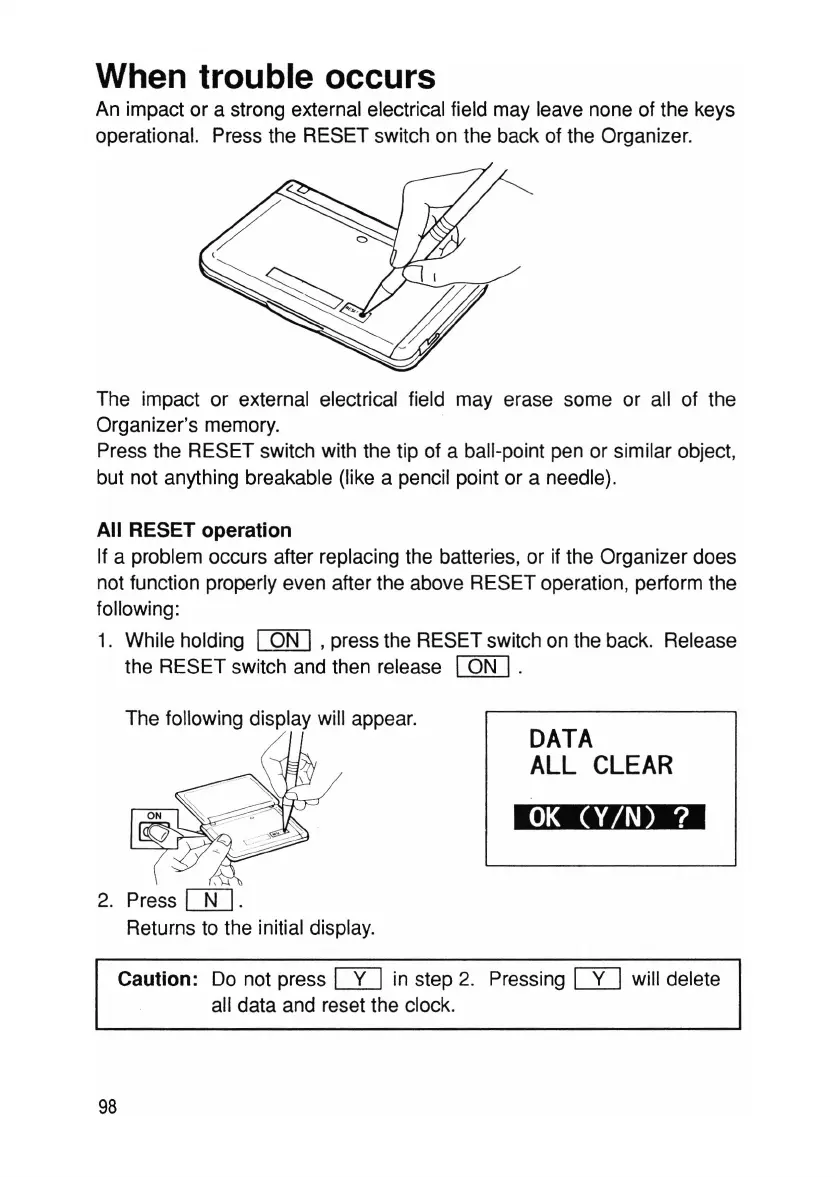
An impact or a strong external electrical field may leave none of the keys
operational. Press the RESET switch on the back of the Organizer.
The impact or external electrical field may erase some or all of the
Organizer's memory.
Press the RESET switch with the tip of a ball-point pen or similar object,
but not anything breakable (like a pencil point or a needle).
All RESET operation
If a problem occurs after replacing the batteries, or if the Organizer does
not function properly even after the above RESET operation, perform the
following:
1. While holding
[Q[]
,press the RESET switch on the back. Release
the RESET switch and then release
[Q[].
The following display will appear.
2. Press
[]]
.
Returns to the initial display.
DATA
ALL
CLEAR
OK
(V/N) ?
Caution: Do not press
[Y]
in step 2. Pressing
[Y]
will delete
all data and reset the clock.
98



 To Next Page