The Organizer features a built-in clock which allows the Organizer to do I
the following:
1. To display the current monthly calendar in the CALENDAR mode.
2. To keep track of the items scheduled on the agenda for the current day
in the SCHEDULE mode (automatic tracking).
3. To sound the schedule alarm.
Displaying the time
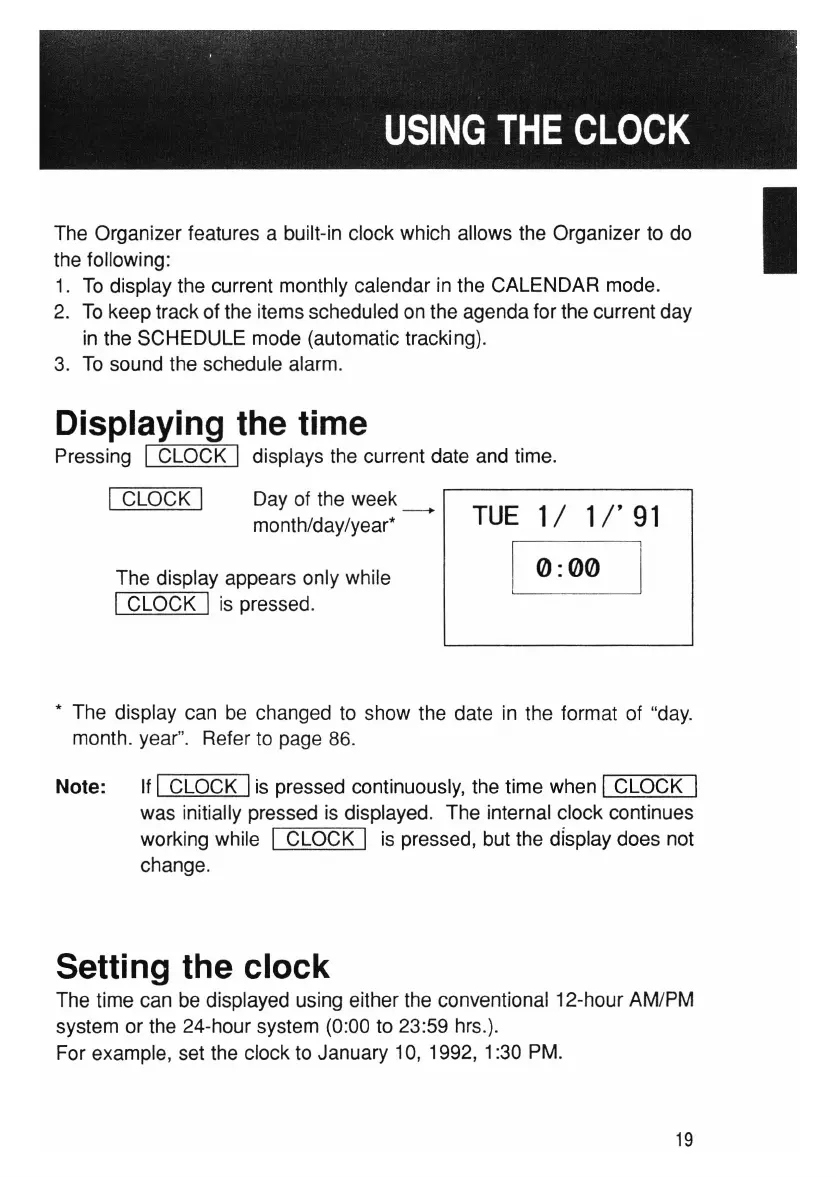
Pressing I CLOCK I displays the current date and time.
The display appears only while
I CLOCK I is pressed.
I CLOCK I
Day of the week
__
month/day/year*
TUE
1/
1/'
91
0:00
I
* The display can be changed to show the date in the format of "day.
month. year". Refer to page 86.
Note: If I CLOCK Iis pressed continuously, the time when I CLOCK I
was initially pressed is displayed. The internal clock continues
working while I CLOCK I is pressed, but the display does not
change.
Setting the clock
The time can be displayed using either the conventional 12-hour AM/PM
system or the 24-hour system (0:00 to 23:59 hrs.).
For example, set the clock to January 10, 1992, 1:30 PM.
19



 To Next Page