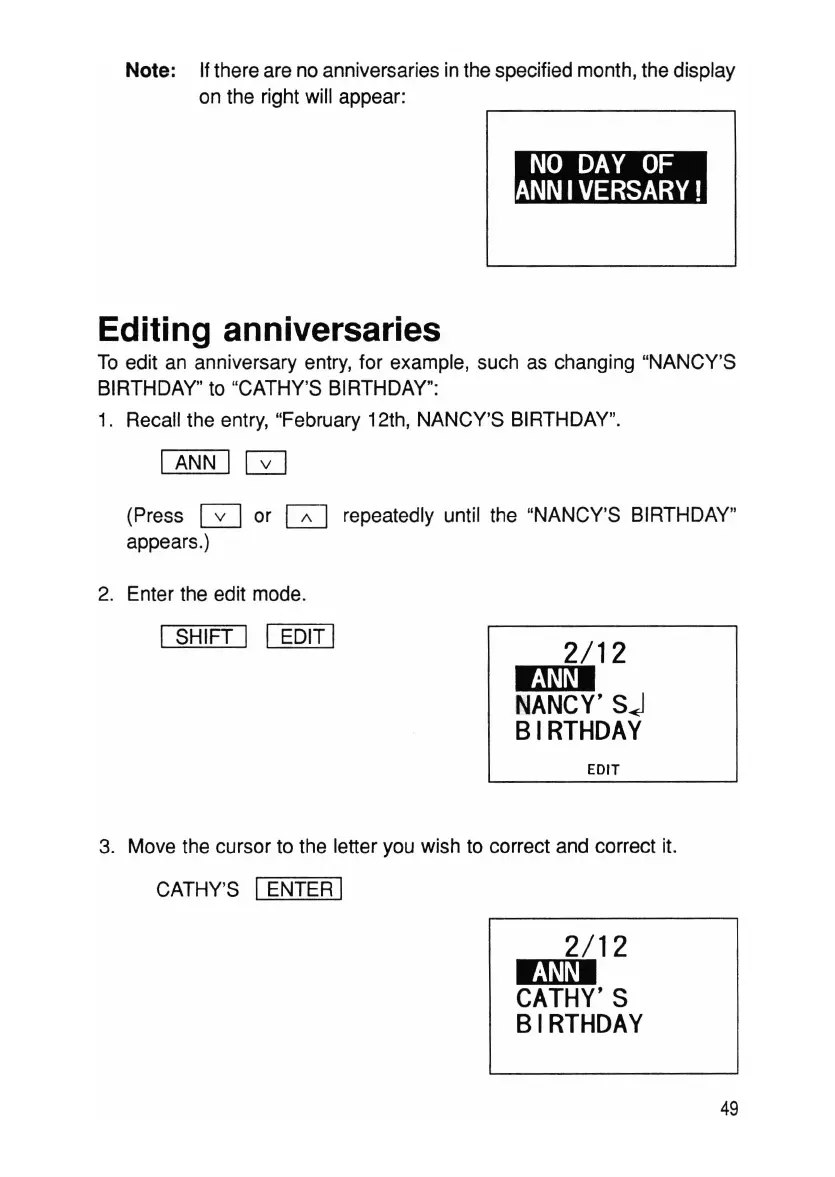
Note: Ifthere are no anniversaries in the specified month, the display
on the right will appear:
Editing anniversaries
To edit an anniversary entry, for example, such as changing "NANCY'S
BIRTHDAY" to "CATHY'S BIRTHDAY":
1. Recall the entry, "February 12th, NANCY'S BIRTHDAY".
I ANN I
GJ
(Press G or
[;]
repeatedly until the "NANCY'S BIRTHDAY"
appears.)
2. Enter the edit mode.
I SHIFT I I EDIT I
2/12
EI9I
NANCY'S
j
BIRTHDAY
EDIT
3. Move the cursor to the letter you wish to correct and correct it.
CATHY'S IENTER I
2/12
EI9I
CATHY'S
BIRTHDAY
49



 To Next Page