4. Enter the old password and delete it.
1234
I ENTER I
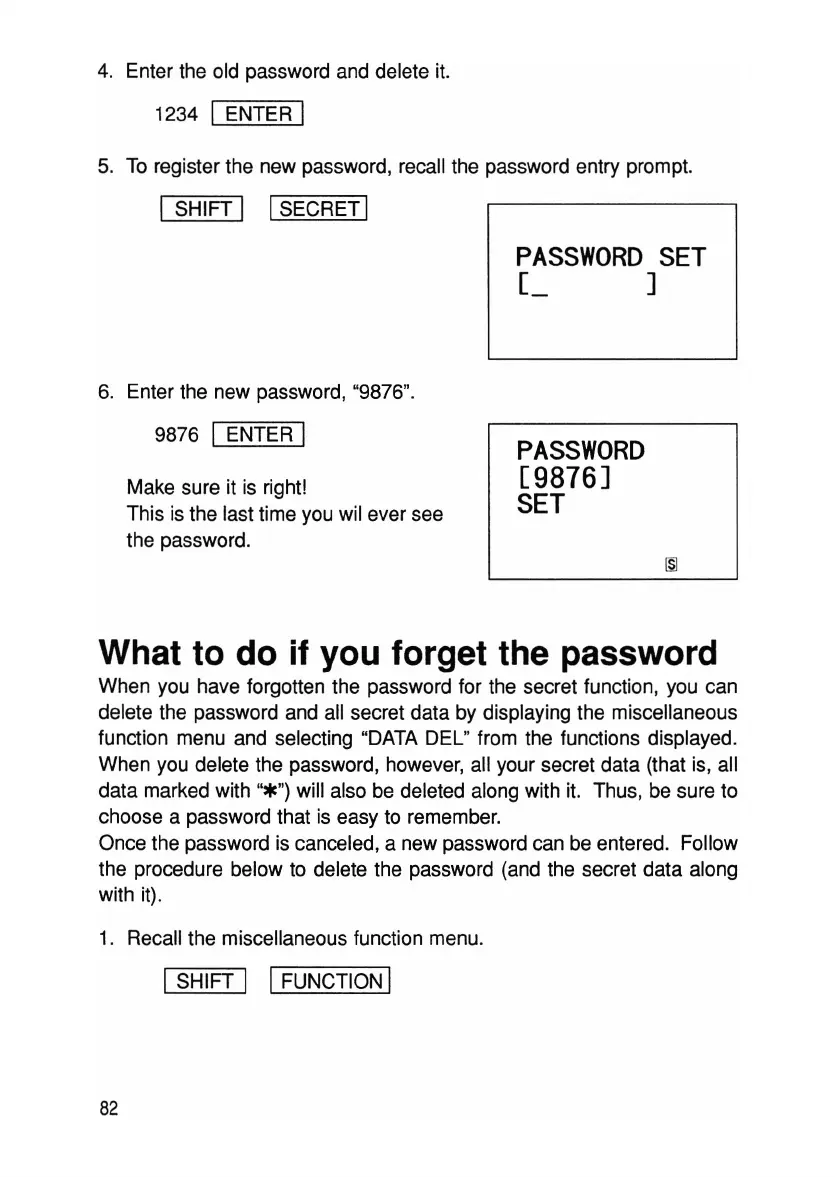
5. To register the new password, recall the password entry prompt.
ISHIFT I ISECRET I
PASSWORD
SET
[ J
6. Enter the new password, "9876".
9876
I ENTER I
Make sure it is right!
This is the last time you wil ever see
the password.
PASSWORD
[9876J
SET
What to do if you forget the password
When you have forgotten the password for the secret function, you can
delete the password and all secret data by displaying the miscellaneous
function menu and selecting "DATA DEL" from the functions displayed.
When you delete the password, however, all your secret data (that is, all
data marked with
"*") will also be deleted along with it. Thus, be sure to
choose a password that is easy to remember.
Once the password is canceled, a new password can be entered. Follow
the procedure below to delete the password (and the secret data along
with it).
1. Recall the miscellaneous function menu.
ISHIFT I IFUNCTION I
82



 To Next Page