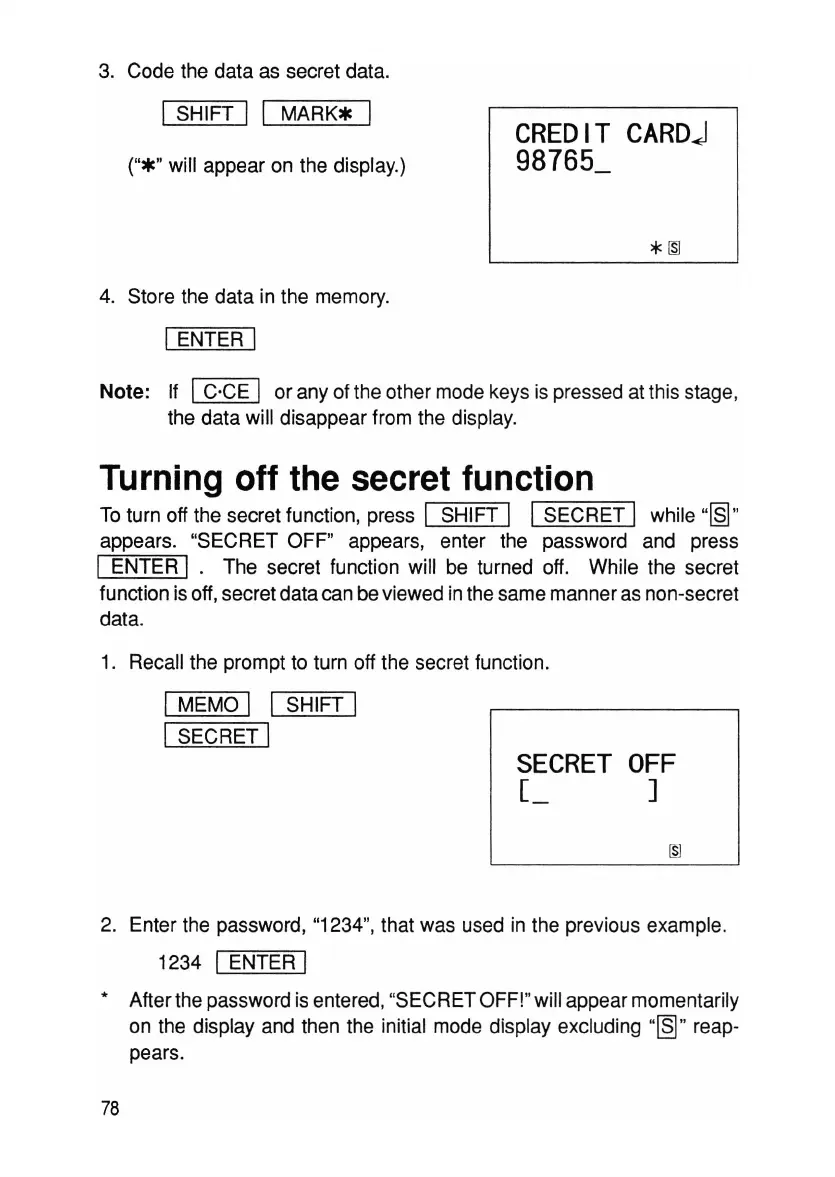
3. Code the data as secret data.
I SHIFT I I
MARK*
I
("*
" will appear on the display.)
4. Store the data in the memory.
IENTER I
CREDIT
CARDj
98765_
Note: If I C'CE I or any of the other mode keys is pressed at this stage,
the data will disappear from the display.
Turning off the secret function
To turn off the secret function, press I SHIFT I ISECRET I while
"~"
appears. "SECRET OFF" appears, enter the password and press
I ENTER
I.
The secret function will be turned off. While the secret
function is off, secret data can beviewed in the same manner as non-secret
data.
1. Recall the prompt to turn off the secret function.
IMEMO I I SHIFT I
I SECRET I
SECRET
OFF
[ ]
IS
]
2. Enter the password, "1234", that was used in the previous example.
1234 I ENTER I
* After the password is entered, "SECRETOFF'"will appear momentarily
on the display and then the initial mode display excluding
"~"
reap-
pears.
78



 To Next Page