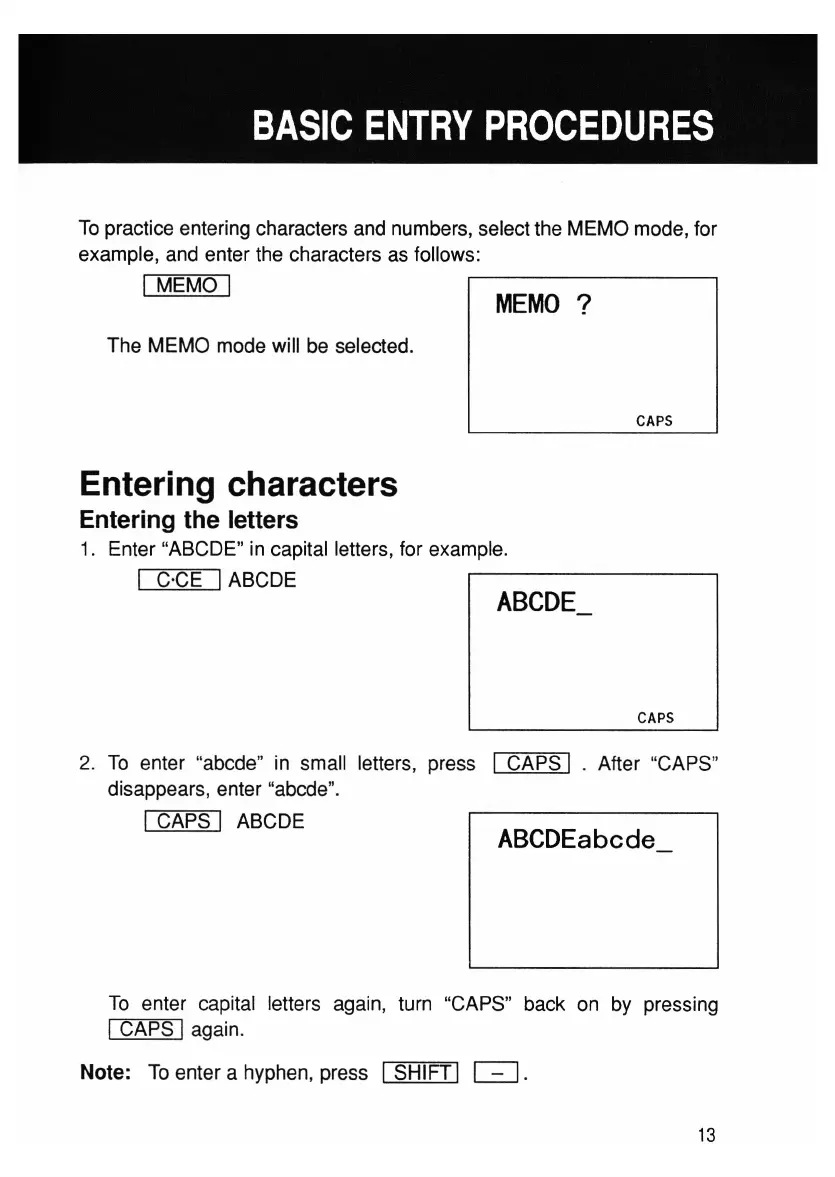
MEMO
?
ABCDEabcde_
To practice entering characters and numbers, select the MEMO mode, for
example, and enter the characters as follows:
I MEMO I
The MEMO mode will be selected.
CAPS
Entering characters
Entering the letters
1. Enter "ABCDE" in capital letters, for example.
I C'CE IABCDE
CAPS
2. To enter "abcde" in small letters, press I CAPS I . After "CAPS"
disappears, enter "abcde".
I CAPS I ABCDE
To enter capital letters again, turn "CAPS" back on by pressing
I CAPS Iagain.
Note: To enter a hyphen, press
I SHIFT I
D.
13



 To Next Page