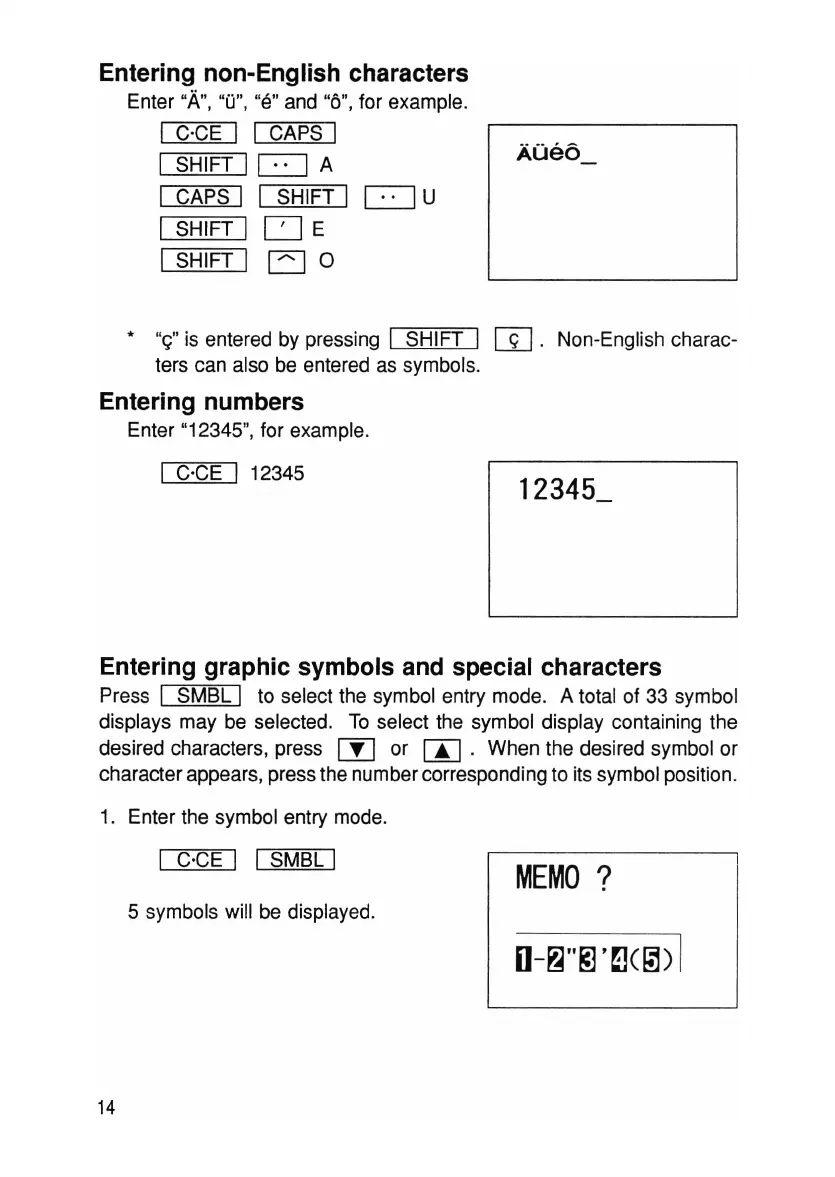
Entering non-English characters
Enter
"A
",
"0", "e"and "6", for example.
I C·CE I I CAPS I
SHIFT I
c:=J
A
CAPS I I SHIFT I
c=J
U
SHIFT I
CJ
E
SHIFT I EJ 0
AOeo_
• "et is entered by pressing I SHIFT I
W.
Non-English charac-
ters can also be entered as symbols.
Entering numbers
Enter "12345", for example.
I C'CE I 12345
Entering graphic symbols and special characters
Press I
5MBL
I to select the symbol entry mode. A total of 33 symbol
displays may be selected. To select the symbol display containing the
desired characters, press rn or CA] . When the desired symbol or
character appears, press the number corresponding to its symbol position.
1. Enter the symbol entry mode.
14
I C'CE I I
5MBL
I
5 symbols will be displayed.
MEMO
?



 To Next Page