USING
THE
MISCELLANEOUS
FUNCTIONS
The following miscellaneous functions can be utilized through the miscel-
laneous function menu.
1. MEMORY CHK:
2. LCD CONT:
3. DATA DEL:
4. SET UP:
5. TEL FILE NAME:
Indicates how much of the memory is in use.
Used to adjust the contrast for the display. (See
page 12.)
Used to delete memory data from the various
modes. (Refer to the section on deletion for
each function.)
Used to set the date entry sequence. (See page
86.)
Used to enter telephone directory file names.
(See page 53.)
Checking the memory capacity
The memory check function indicates how much of the memory is in use
and also the number of entries stored in the various functions, such as
the TEL
(T1
, T2 and T3), MEMO (ME), SCHEDULE (SC) and ANNIVER-
SARY (AN) modes. The same memory is used for these four modes.
After checking the memory, press
IC·CE I to return to the previous
display.
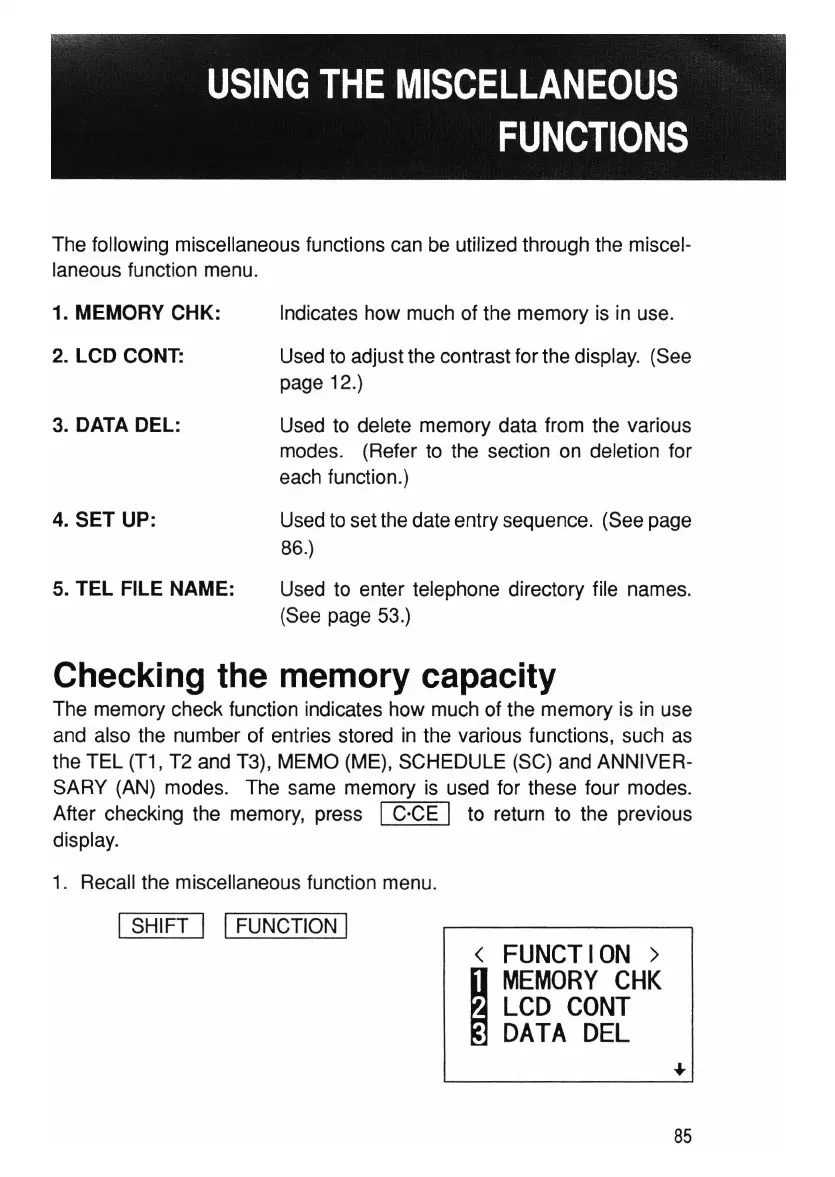
1. Recall the miscellaneous function menu.
ISHIFT I IFUNCTION I
<
FUNCTION>
I
MEMORY
CHK
LCD
CONT
DATA
DEL
85



 To Next Page