2. Switch to the next set of symbols.
Each time
rn
is pressed, a new set of 5 symbols will appear in
sequence.
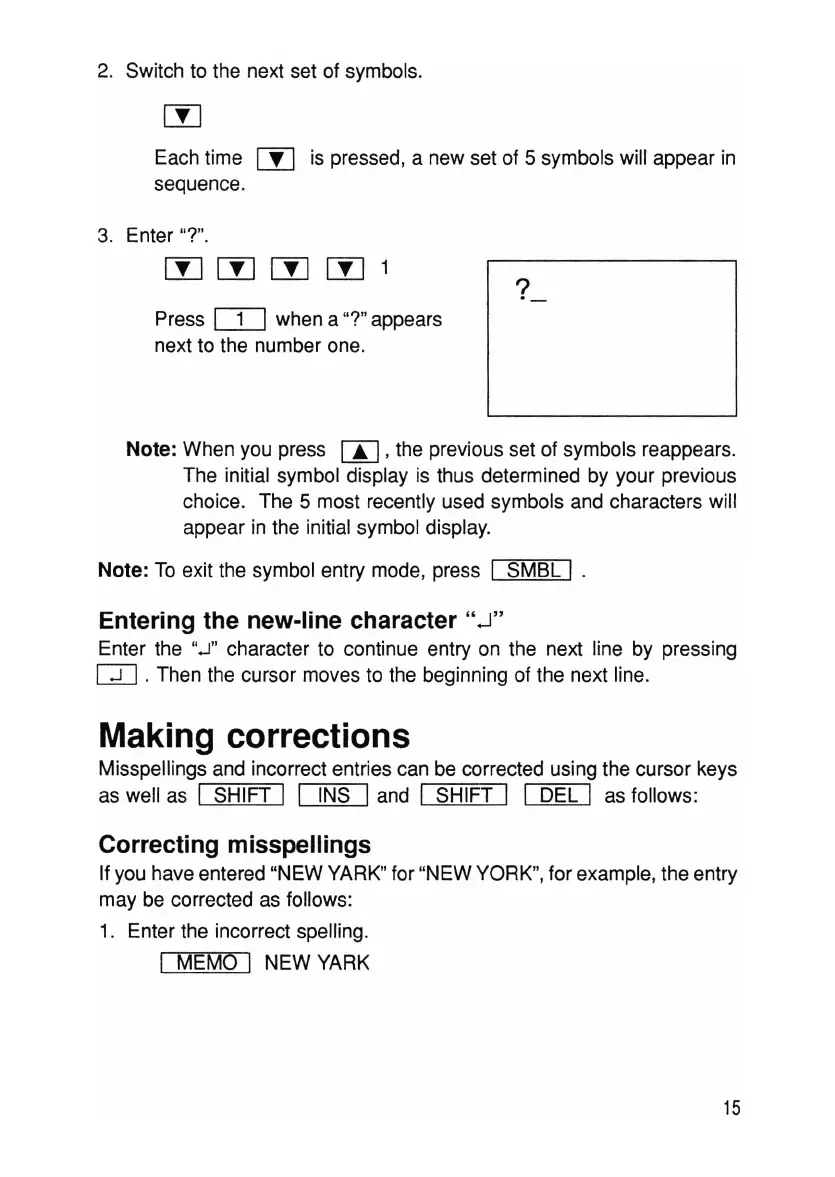
3. Enter
-r.
?
Press
IT]
when a -r appears
next to the number one.
Note: When you press W 'the previous set of symbols reappears.
The initial symbol display is thus determined by your previous
choice. The 5 most recently used symbols and characters will
appear in the initial symbol display.
Note: To exit the symbol entry mode, press I
5MBL
I .
Entering the new-line character".J"
Enter the
".J"
character to continue entry on the next line by pressing
CD .Then the cursor moves to the beginning of the next line.
Making corrections
Misspellings and incorrect entries can be corrected using the cursor keys
as well as I SHIFT I I INS Iand I SHIFT I I DEL I as follows:
Correcting misspellings
If you have entered "NEW
YARK"
for "NEW
YORK",
for example, the entry
may be corrected as follows:
1. Enter the incorrect spelling.
I MEMO I NEW
YARK
15



 To Next Page