Display symbols
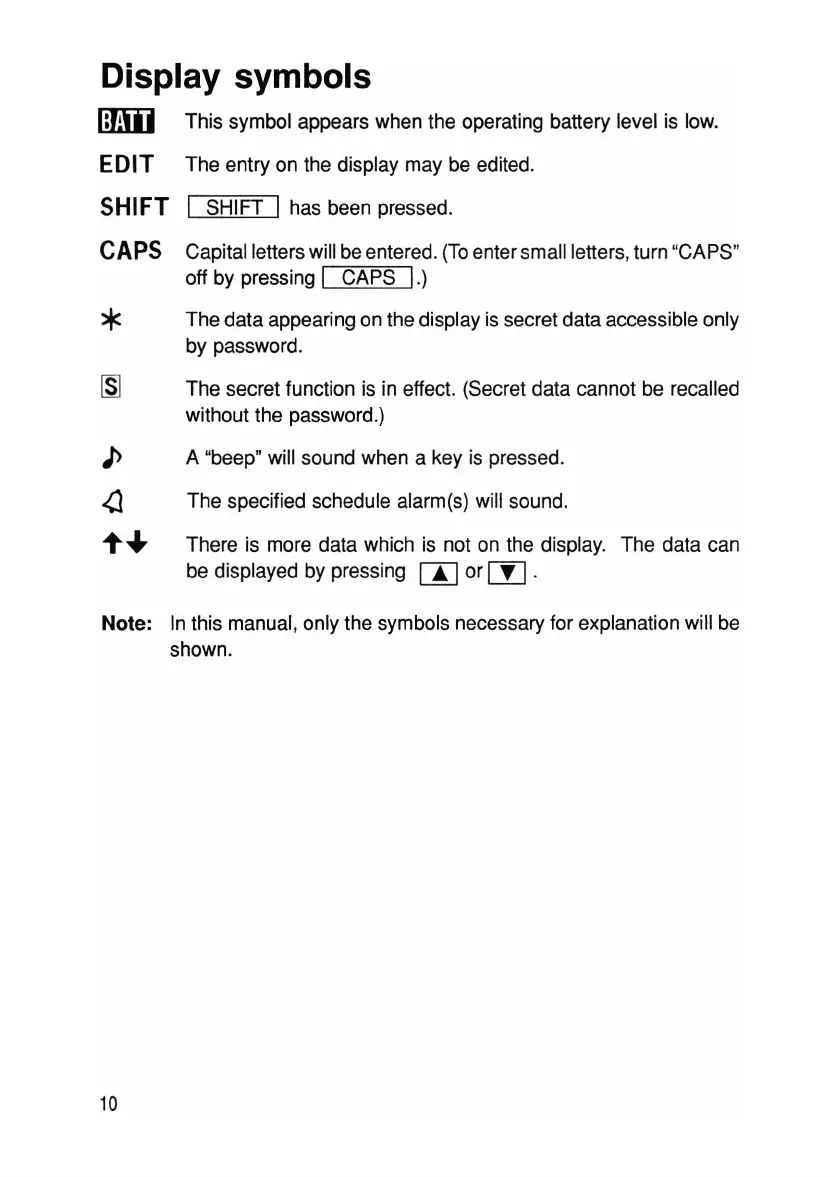
Iffiii] This symbol appears when the operating battery level is low.
EDIT The entry on the display may be edited.
SHIFT I SHIFT I has been pressed.
CAPS
*
Capital letters will be entered . (Toenter small letters, turn "CAPS"
off by pressing
I CAPS
I.)
The data appearing on the display is secret data accessible only
by password .
The secret function is in effect. (Secret data cannot be recalled
without the password.)
A "beep" will sound when a key is pressed.
The specified schedule alarm(s) will sound.
There is more data which is not on the display. The data can
be displayed by pressing
rnor rn.
Note: In this manual, only the symbols necessary for explanation will be
shown.
10



 To Next Page