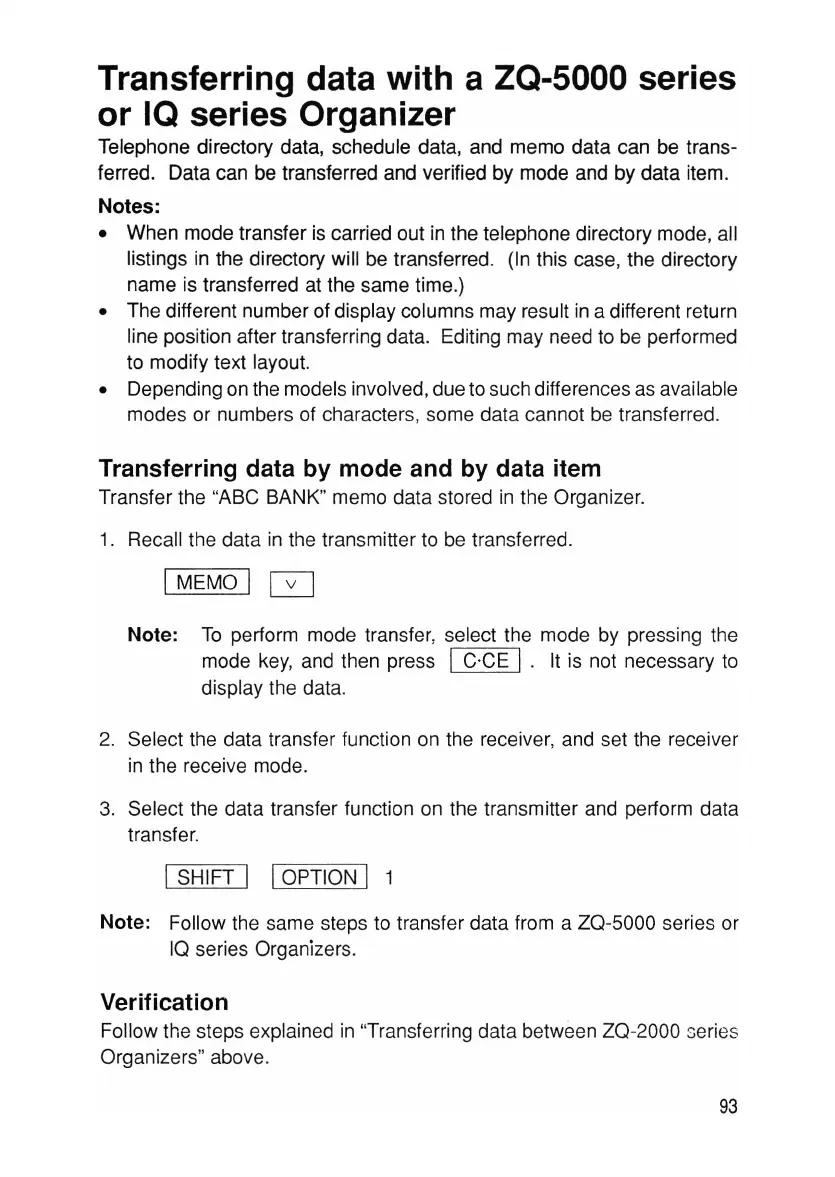
Transferring data with a
ZQ-SOOO
series
or IQ series Organizer
Telephone directory data, schedule data, and memo data can be trans-
ferred. Data can be transferred and verified by mode and by data item.
Notes:
• When mode transfer is carried out in the telephone directory mode, all
listings in the directory will be transferred. (In this case, the directory
name is transferred at the same time.)
• The different number of display columns may result in a different return
line position after transferring data. Editing may need to be performed
to modify text layout.
• Depending on the models involved,due to such differences as available
modes or numbers of characters, some data cannot be transferred.
Transferring data by mode and by data item
Transfer the "ABC BANK" memo data stored in the Organizer.
1. Recall the data in the transmitter to be transferred.
IMEMO I 0
Note: To perform mode transfer, select the mode by pressing the
mode key, and then press
IC'CE I. It is not necessary to
display the data.
2. Select the data transfer function on the receiver, and set the receiver
in the receive mode.
3. Select the data transfer function on the transmitter and perform data
transfer.
I SHIFT I IOPTION I 1
Note: Follow the same steps to transfer data from a ZQ-5000 series or
IQ series Organizers.
Verification
Follow the steps explained in "Transferring data between ZQ-2000 series
Organizers" above.
93



 To Next Page