Contrast adjustment
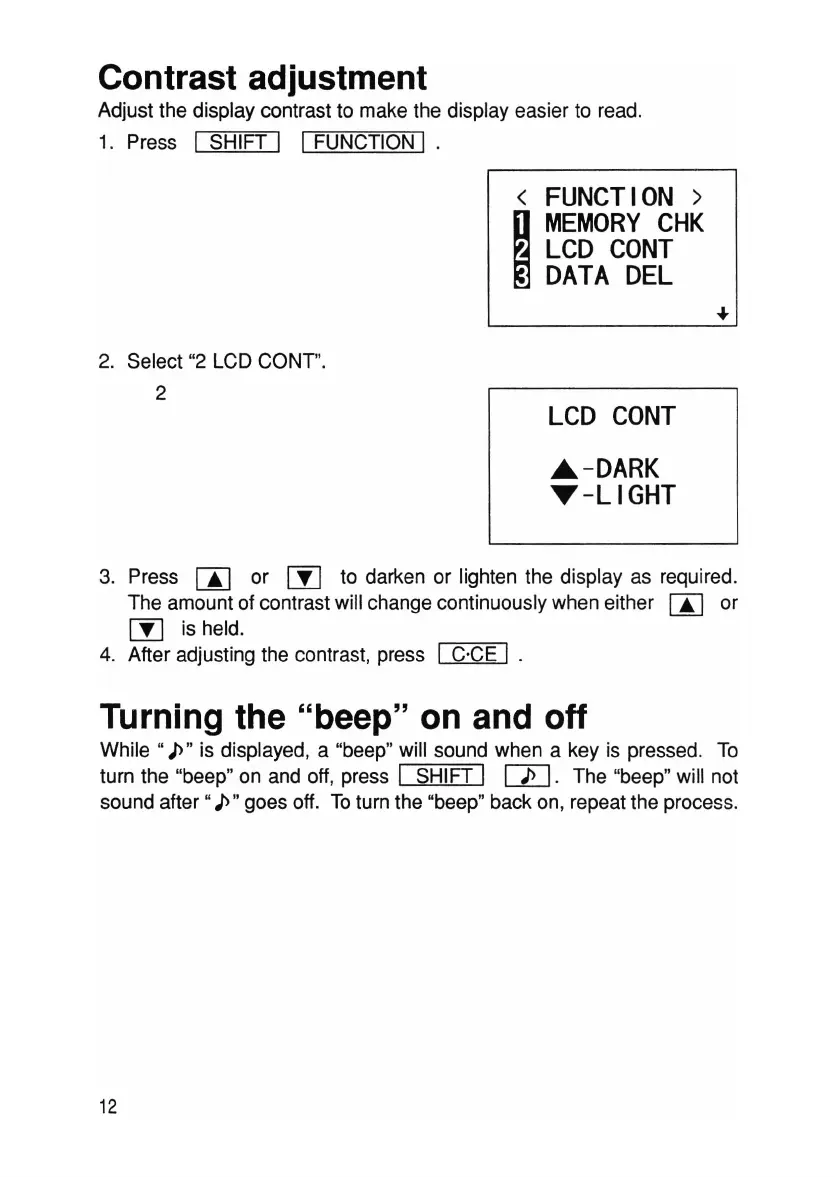
Adjust the display contrast to make the display easier to read.
1. Press
I SHIFT I I FUNCTION I .
<
FUNCTION>
I
MEMORY
CHK
LCD
CONT
DATA
DEL
2. Select "2 LCD CONT".
2
LCD
CONT
"-DARK
T-LIGHT
3. Press
rn
or
rn
to darken or lighten the display as required.
The amount of contrast will change continuously when either
00 or
rn
is held.
4. After adjusting the contrast, press
I C·CE I .
Turning the "beep" on and off
While "
J>"
is displayed, a "beep" will sound when a key is pressed. To
turn the "beep" on and off, press
I SHIFT I
rn.
The "beep" will not
sound
after"
J>"
goes off. Toturn the "beep" back on, repeat the process.
12



 To Next Page