The telephone directory stores the names, telephone numbers, and ad-
dresses of business clients, companies, personal friends and so on.
The Organizer's telephone directory is actually three different telephone
directories in one (TEL1, TEL2, and TEL3) for keeping business, private,
and other listings separate .
Designating the file names
The file names for the different directories (business, private, etc.) can be
input from the miscellaneous function mode. Input directory file names of
10 letters or less as follows:
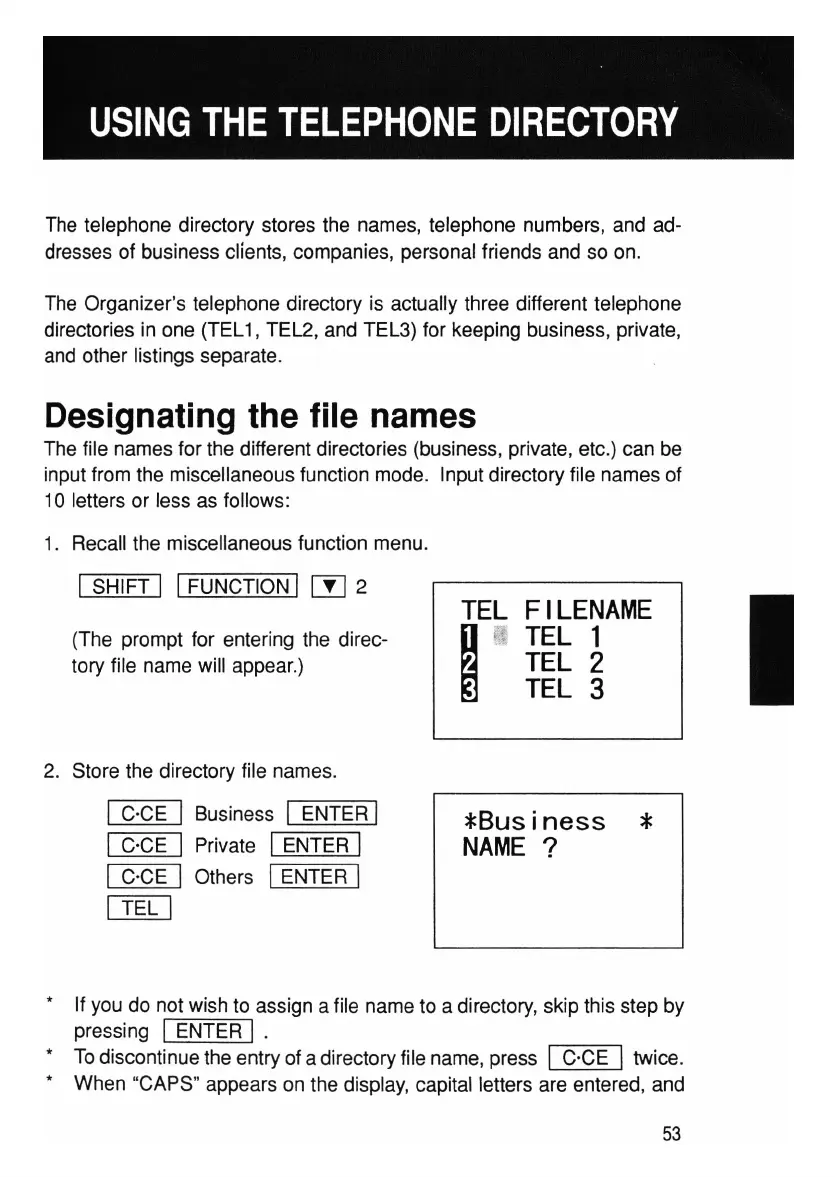
1. Recall the miscellaneous function menu.
ISHIFT I IFUNCTION I rn 2
(The prompt for entering the direc-
tory file name will appear.)
2. Store the directory file names.
I C·CE I Business I ENTER I
I C·CE I Private IENTER I
I C·CE I Others IENTER I
illIJ
TEL
FILENAME
I
(I
TEL
1
TEL
2
TEL
3
*Business
*
NAME
?
I
* If you do not wish to assign a file name to a directory, skip this step by
pressing
I ENTER I.
* To discontinue the entry of a directory file name, press IC'CE Itwice.
* When "CAPS" appears on the display, capital letters are entered, and
53



 To Next Page