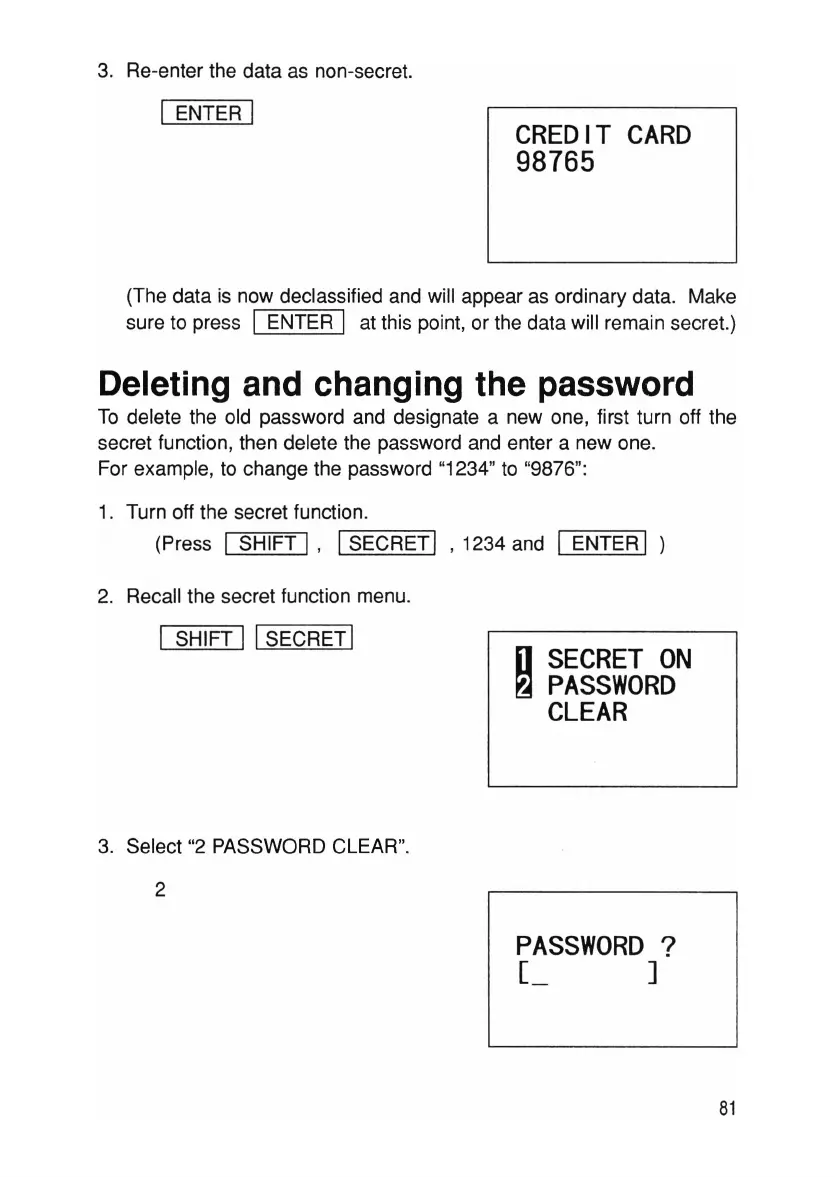
3. Re-enter the data as non-secret.
I ENTER I
CREDIT
CARD
98765
(The data is now declassified and will appear as ordinary data. Make
sure to press I ENTER I at this point, or the data will remain secret.)
Deleting and changing the password
To delete the old password and designate a new one, first turn off the
secret function , then delete the password and enter a new one.
For example, to change the password "1234" to "9876":
1. Turn off the secret function .
(Press
I SHIFT I,
'-S-=E--=-C-=-R=ET""I
' 1234 and I ENTER I )
2. Recall the secret function menu.
I SHIFT
11 SECRETI
3. Select "2 PASSWORD CLEAR".
2
[J
SECRET
ON
~
PASSWORD
CLEAR
PASSWORD
?
r.,
]
81



 To Next Page