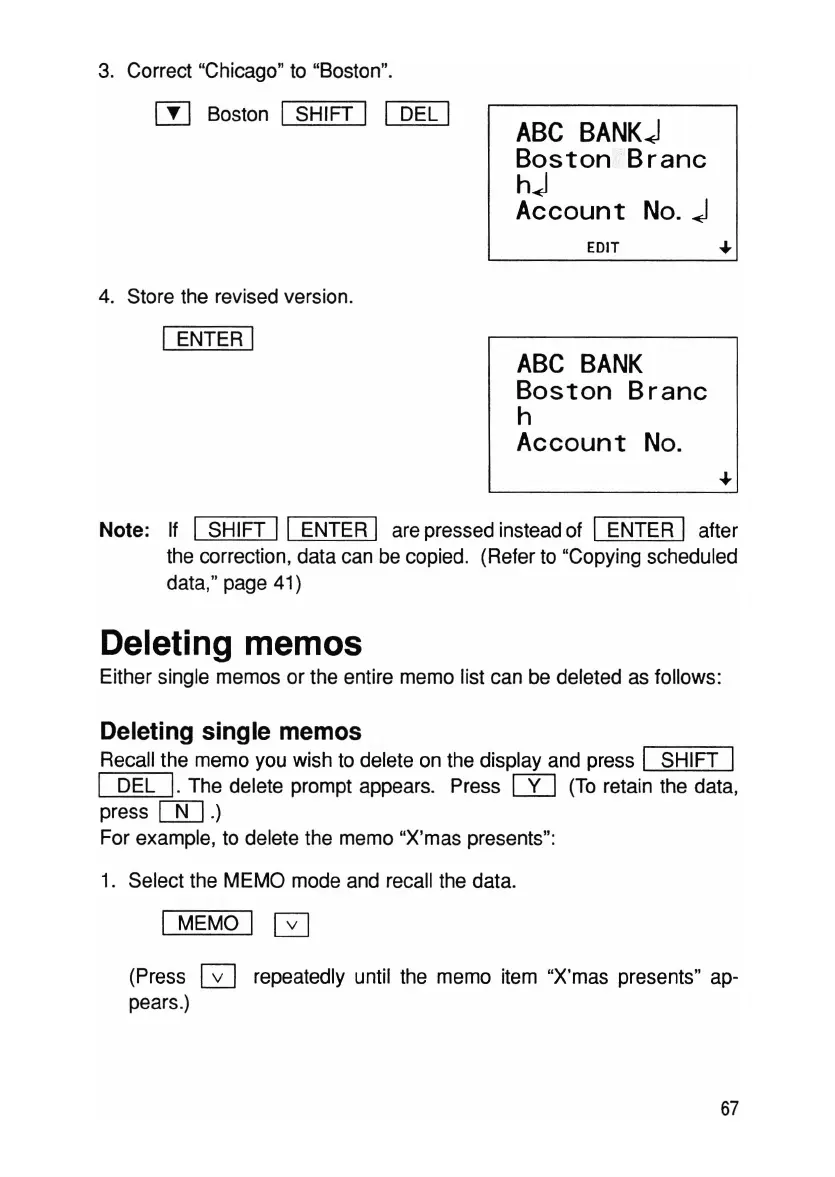
Note: If 1 SHIFT 11 ENTER I are pressed instead of 1 ENTER I after
the correction, data can be copied. (Refer to "Copying scheduled
data," page 41)
Deleting memos
Either single memos or the entire memo list can be deleted as follows:
Deleting single memos
Recall the memo you wish to delete on the display and press I SHIFT 1
I DEL
I.
The delete prompt appears. Press W (To retain the data,
press
[)[]
.)
For example, to delete the memo "X'mas presents":
1. Select the MEMO mode and recall the data.
I MEMO 1G
(Press GJ repeatedly until the memo item "X'mas presents" ap-
pears.)
67



 To Next Page