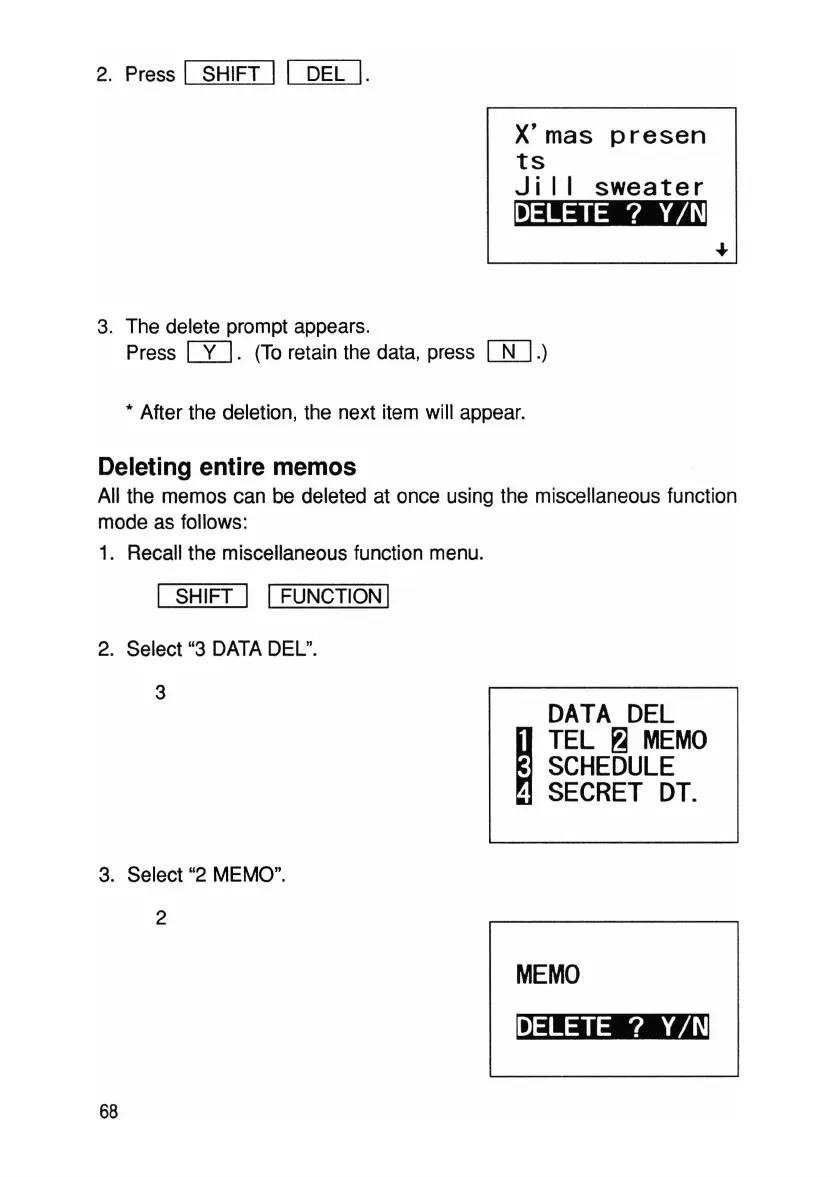
2. Press I SHIFT II DEL
I.
X'mas
presen
ts
Ji
I I
sweater
~
3. The delete prompt appears.
Press
W.
(To retain the data, press
[J[J.)
• After the deletion, the next item will appear.
Deleting entire memos
All the memos can be deleted at once using the miscellaneous function
mode as follows:
1. Recall the miscellaneous function menu.
I SHIFT I IFUNCTION I
2. Select "3 DATA DEL".
3
DATA
DEL
~
TEL
~
MEMO
SCHEDULE
,
SECRET
DT.
3. Select "2 MEMO".
2
MEMO
~
68



 To Next Page