* If the password you have entered is incorrect, the message
"INCORRECT PASSWORD!" will be displayed and the initial mode
display reappears.
Turning on the secret function
The secret function turns on automatically whenever the power is turned
off and back on again. To turn the secret function on manually:
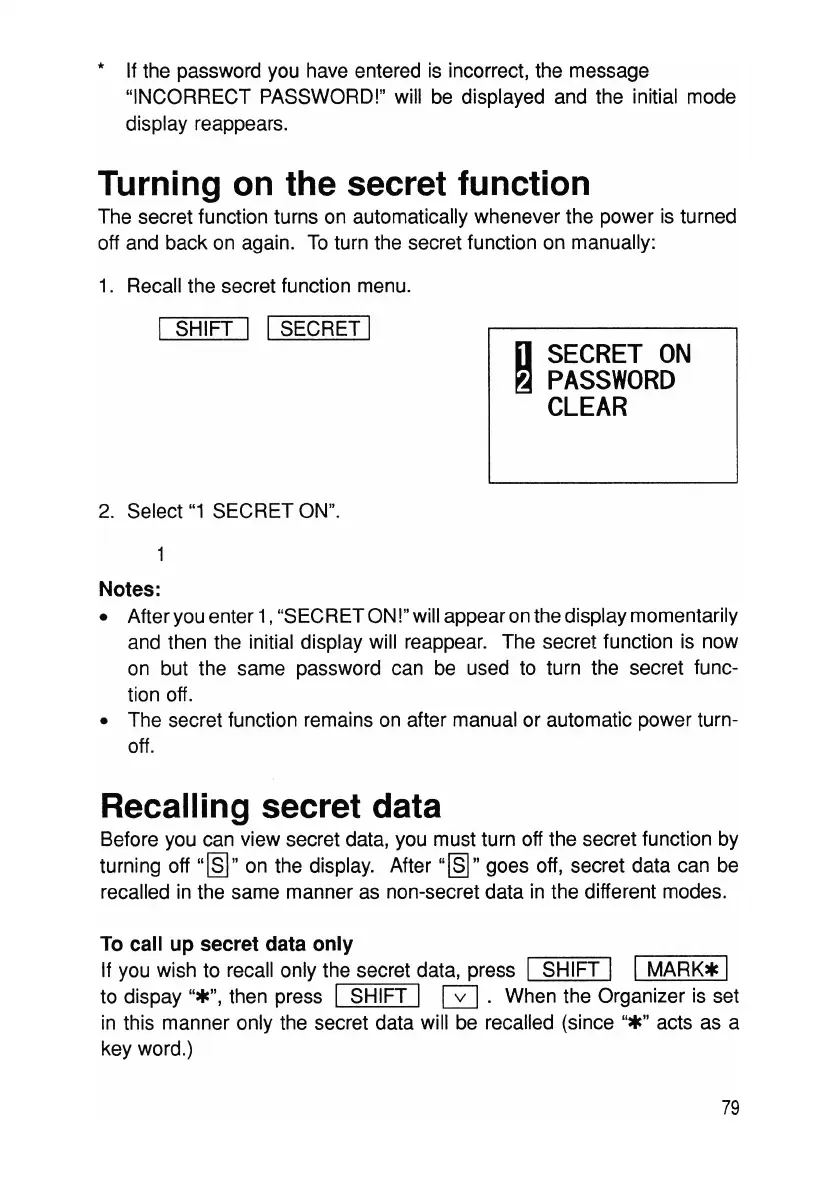
1. Recall the secret function menu.
I SHIFT I ISECRET I
D
SECRET
ON
~
PASSWORD
CLEAR
2. Select
"1
SECRET ON".
Notes:
• After you enter 1,"SECRET ON!" will appear onthe display momentarily
and then the initial display will reappear. The secret function is now
on but the same password can be used to turn the secret func-
tion off.
• The secret function remains on after manual or automatic power turn-
off.
Recalling secret data
Before you can view secret data, you must turn off the secret function by
turning off
"[§]"
on the display. After
"~"
goes off, secret data can be
recalled in the same manner as non-secret data in the different modes.
To call up secret data only
If you wish to recall only the secret data, press
I SHIFT I I
MARK*
I
to dispay
"*",
then press I SHIFT I
0.
When the Organizer is set
in this manner only the secret data will be recalled (since
"*"
acts as a
key word.)
79



 To Next Page