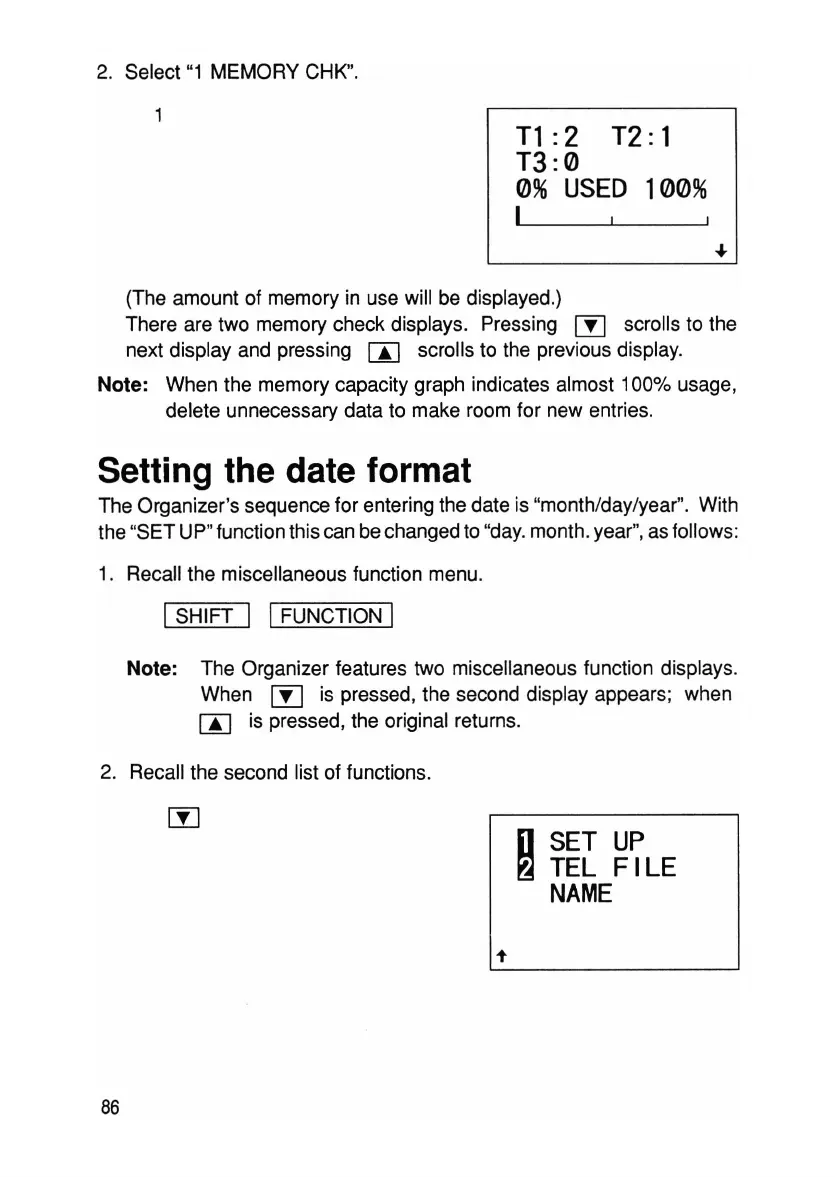
2. Select "1 MEMORY CHK".
T1
:2 T2: 1
T3:0
0%
USED
100%
I
(The amount of memory in use will be displayed.)
There are two memory check displays. Pressing IYl scrolls to the
next display and pressing m scrolls to the previous display.
Note
: When the memory capacity graph indicates almost 100% usage,
delete unnecessary data to make room for new entries.
Setting the date format
The Organizer's sequence for entering the date is "month/day/year". With
the "SET UP" function this can bechanged to "day.month.year",as follows:
1. Recall the miscellaneous function menu.
ISHIFT I IFUNCTION I
Note:
The Organizer features two miscellaneous function displays.
When
[Y]
is pressed, the second display appears; when
m is pressed, the original returns.
2. Recall the second list of functions.
D
SET
UP
~
TEL
FILE
NAME
t
86



 To Next Page