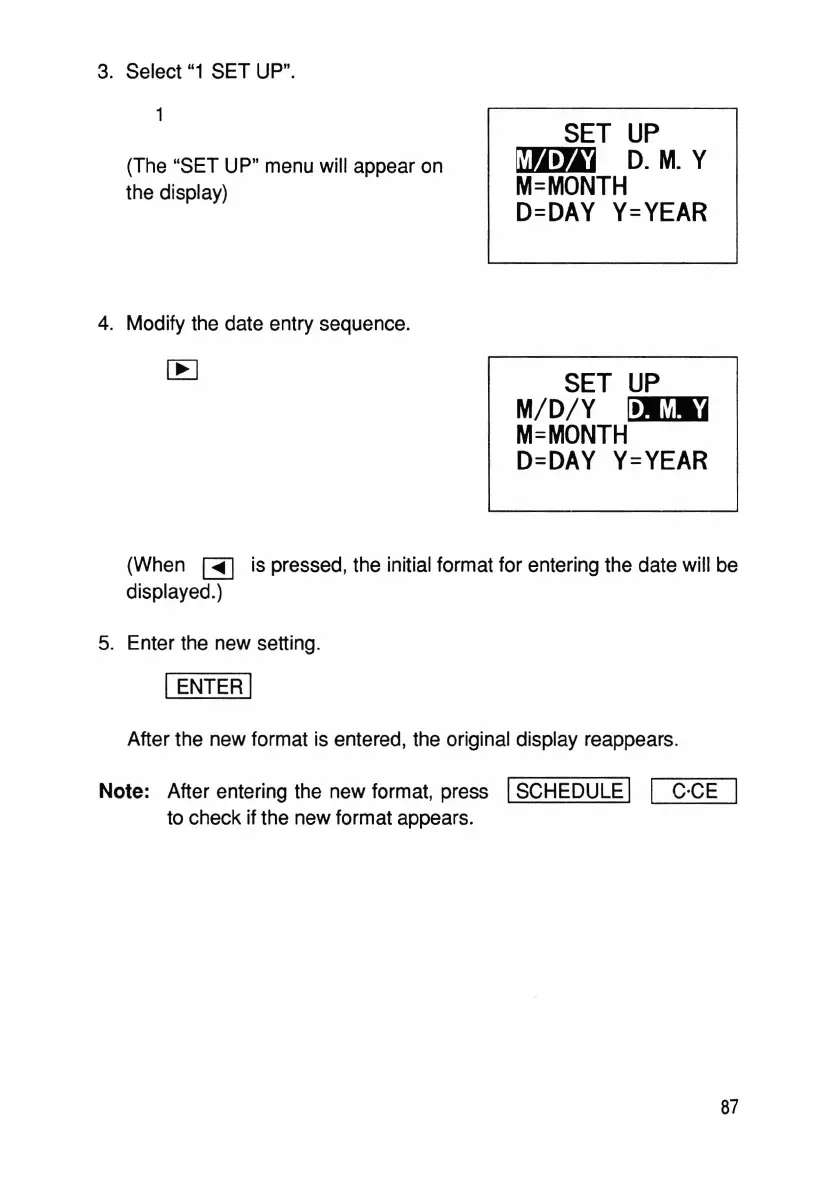
3. Select "1 SET UP".
(The "SET UP" menu will appear on
the display)
4. Modify the date entry sequence.
SET
UP
~
D.M.
Y
M=MONTH
D=DAY
Y=YEAR
SET
UP
M/D/Y
m?iID
M=MONTH
D=DAY
Y=YEAR
(When
~
is pressed, the initial format for entering the date will be
displayed.)
5. Enter the new setting.
IENTER I
After the new format is entered, the original display reappears.
Note: After entering the new format, press
ISCHEDULE I I C·CE
to check if the new format appears.
87



 To Next Page