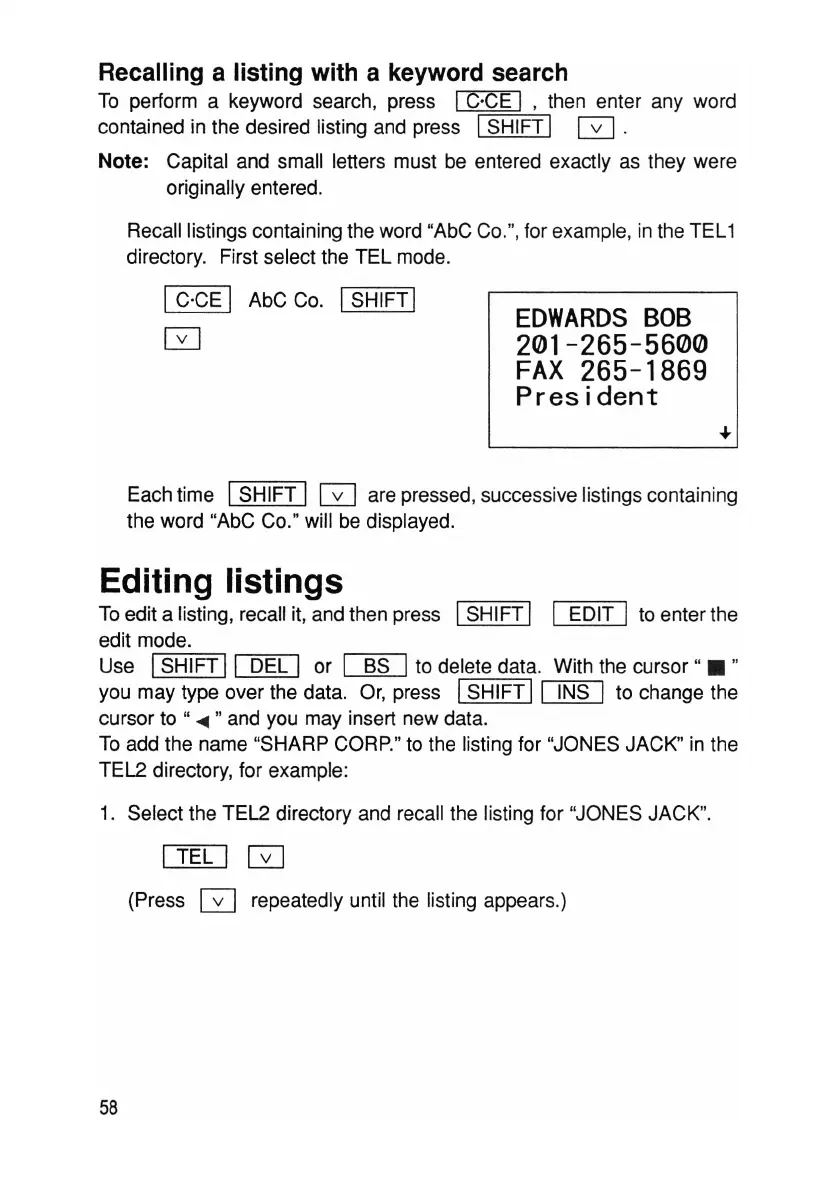
EDWARDS
BOB
201-265-5600
FAX
265-1869
President
Recalling a listing with a keyword search
To perform a keyword search, press IC·CE I , then enter any word
contained in the desired listing and press ISHIFT I
0.
Note: Capital and small letters must be entered exactly as they were
originally entered.
Recall listings containing the word "AbC Co.", for example, in the TEL1
directory. First select the TEL mode.
IC·CE I AbC Co. ISHIFT I
o
Each time ISHIFT I 0 are pressed, successive listings contain ing
the word "AbC Co." will be displayed.
Editing listings
To edit a listing, recall it, and then press ISHIFT I I EDIT Ito enter the
edit mode.
Use I SHIFT 11 DEL I or
~
to delete data. With the cursor " • "
you may type over the data. Or, press ISHIFT I
[lli[]
to change the
cursor to "
.....
" and you may insert new data.
To add the name "SHARP CORP." to the listing for "JONES JACK" in the
TEL2 directory, for example:
1. Select the TEL2 directory and recall the listing for "JONES JACK".
I TEL
10
(Press GJ repeatedly until the listing appears.)
58



 To Next Page