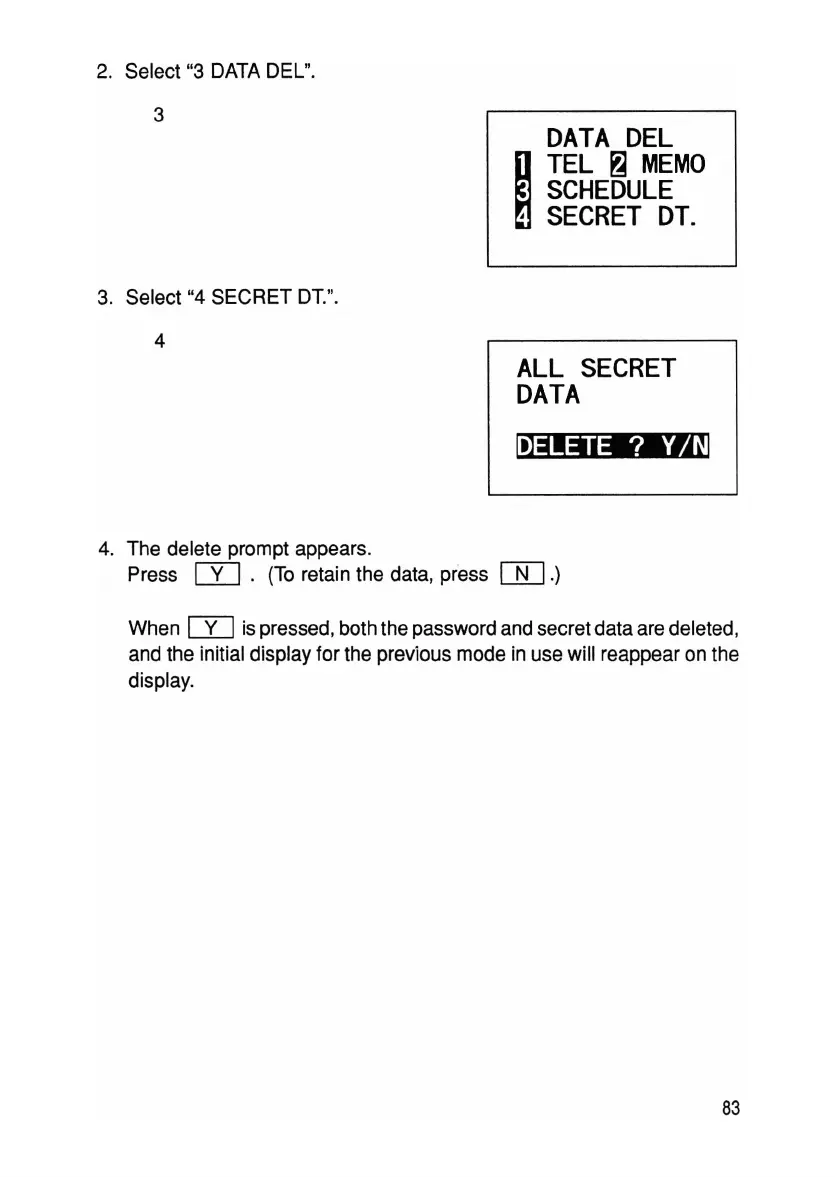
2. Select "3 DATA DEL".
3
DATA
DEL
~
TEL
~
MEMO
SCHEDULE
,
SECRET
DT.
3. Select "4 SECRET DT.".
4
ALL
SECRET
DATA
~
4. The delete prompt appears.
Press
IT]
. (To retain the data, press
[[].)
When
rn
is pressed, both the password and secret data are deleted,
and the initial display for the previous mode in use will reappear on the
display.
83



 To Next Page