and might be depleted before satisfying the operating time indicated in the
specifications.
Battery precautions
• Keep the batteries out of the reach of children.
• When batteries become weak, remove them from the Organizer imme-
diately. If depleted batteries are left in the Organizer for any length of
time, they might leak and cause corrosion inside the Organizer.
• Do not dispose of batteries by fire as they may explode.
Operating batteries
Replacement intervals for the power source batteries
When"
lmln "is displayed and the LeO becomes too dim to read despite
contrast adjustment, the operating batteries are depleted. Press IOFF I
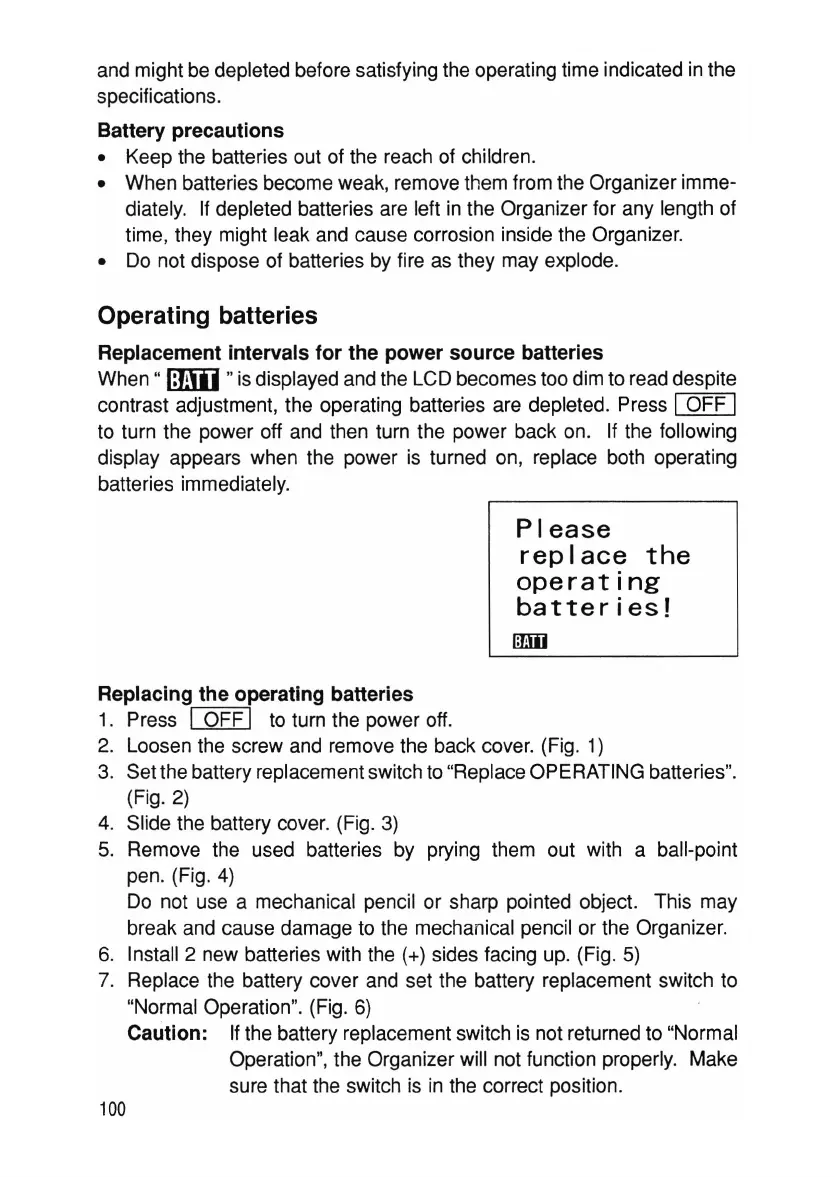
to turn the power off and then turn the power back on. If the following
display appears when the power is turned on, replace both operating
batteries immediately.
Please
replace
the
operating
batter
i
es!
ITEm
Replacing the operating batteries
1. Press I OFF I to turn the power off.
2. Loosen the screw and remove the back cover. (Fig. 1)
3. Set the battery replacement switch to "Replace OPERATING batteries".
(Fig. 2)
4. Slide the battery cover. (Fig. 3)
5. Remove the used batteries by prying them out with a ball-point
pen. (Fig. 4)
Do not use a mechanical pencil or sharp pointed object. This may
break and cause damage to the mechanical pencil or the Organizer.
6. Install 2 new batteries with the (+) sides facing up. (Fig. 5)
7. Replace the battery cover and set the battery replacement switch to
"Normal Operation". (Fig. 6)
Caution: If the battery replacement switch is not returned to "Normal
Operation", the Organizer will not function properly. Make
sure that the switch is in the correct position.
100



 To Next Page