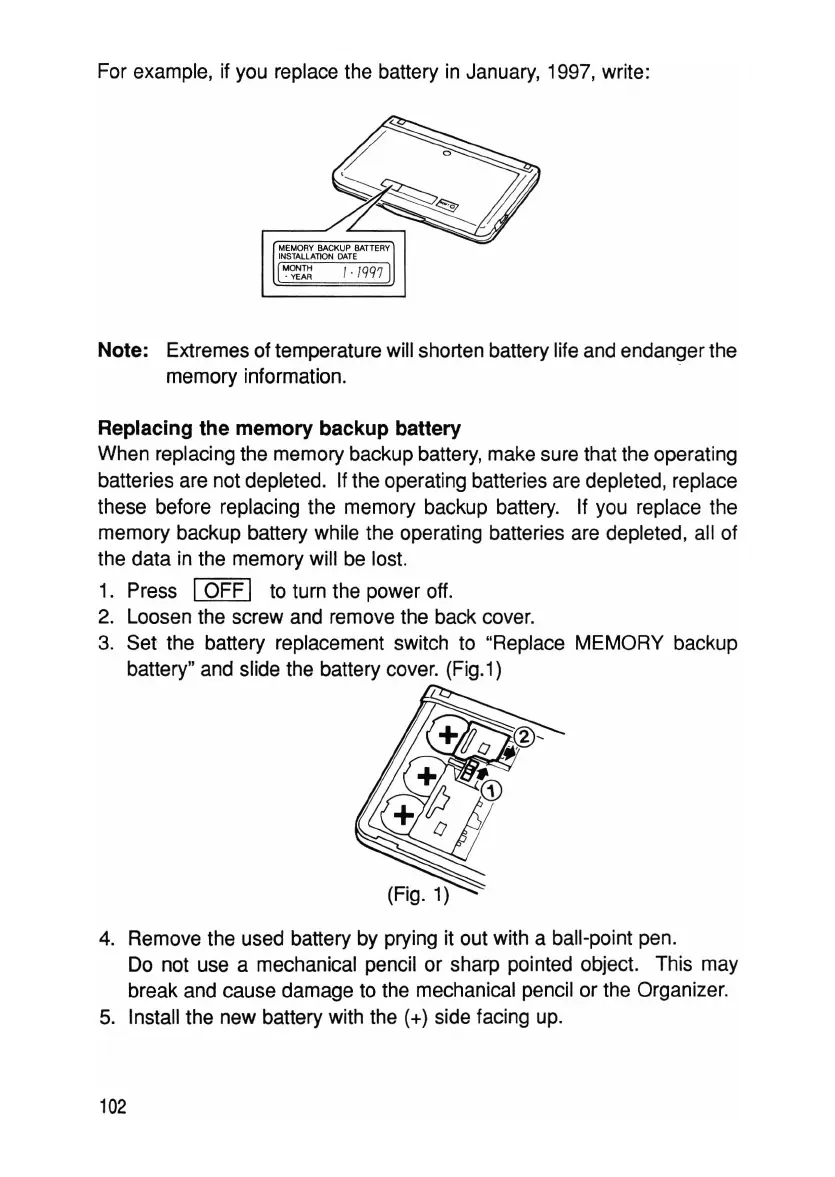
For example. if you replace the battery in January. 1997, write:
Note: Extremes of temperature will shorten battery life and endanger the
memory information.
Replacing the memory backup battery
When replacing the memory backup battery, make sure that the operating
batteries are not depleted. If the operating batteries are depleted, replace
these before replacing the memory backup battery. If you replace the
memory backup battery while the operating batteries are depleted, all of
the data in the memory will be lost.
1. Press
IOFF I to turn the power off.
2. Loosen the screw and remove the back cover.
3. Set the battery replacement switch to "Replace MEMORY backup
battery" and slide the battery cover. (Fig.1)
4. Remove the used battery by prying it out with a ball-point pen.
Do not use a mechanical pencil or sharp pointed object. This may
break and cause damage to the mechanical pencil or the Organizer.
5. Install the new battery with the
(+) side facing up.
102



 To Next Page