4. Insert the missing letter.
o
When I SHIFT II INS Iare pressed, the cursor mark changes from
" • " t
o"
....
" indicating that the insert mode is set. Press I SHIFT I
I INS I again to exit the insert mode.
Deleting unwanted letters
To correct "NEW YOARK" to "NEW YORK", for example:
1. Enter the incorrect spelling.
I C'CE I NEW YOARK
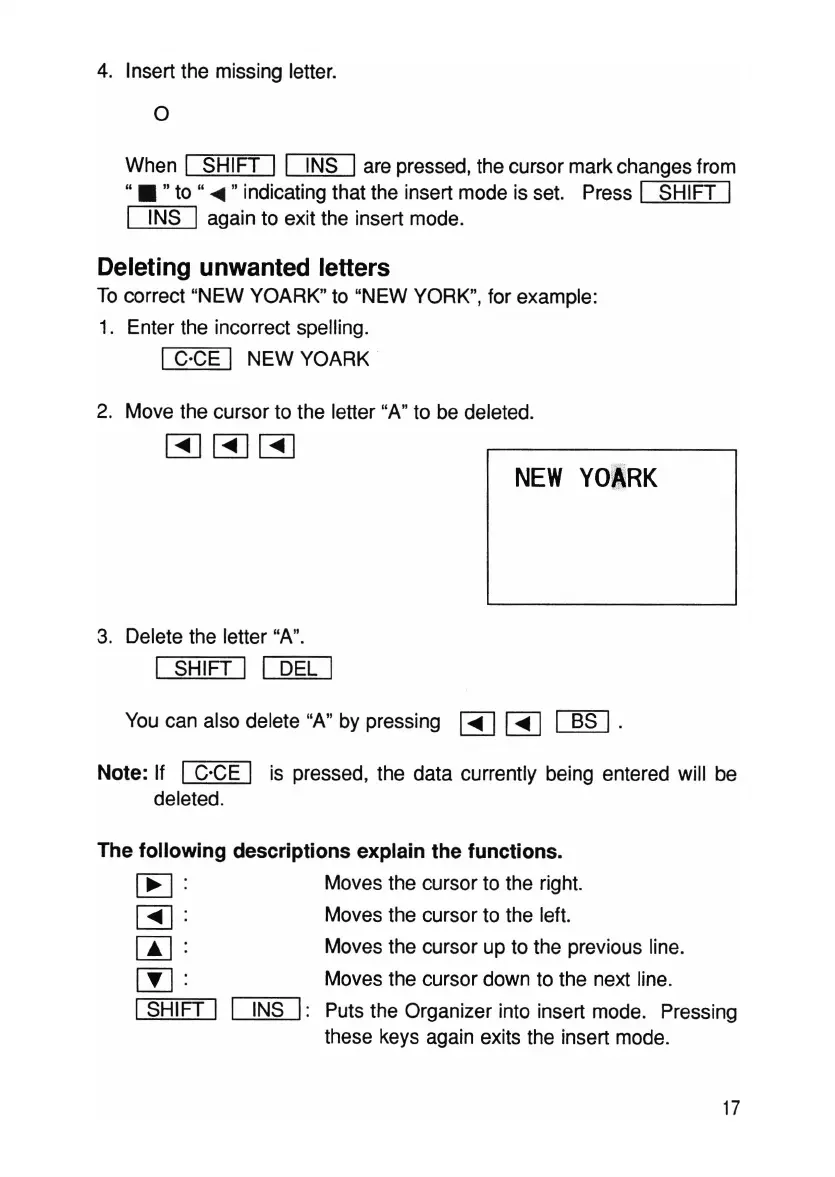
2. Move the cursor to the letter "A" to be deleted.
~~~
NEW
YOARK
3. Delete the letter "A".
I SHIFT I I DEL I
You can also delete "A" by pressing
[3]
~
~
.
Note: If I C'CE I is pressed, the data currently being entered will be
deleted.
The following descriptions explain the functions.
~:
[3]:
W:
[j]
:
I SHIFT I
Moves the cursor to the right.
Moves the cursor to the left.
Moves the cursor up to the previous line.
Moves the cursor down to the next line.
INS
I: Puts the Organizer into insert mode. Pressing
these keys again exits the insert mode.
17



 To Next Page