Note: When several schedule items are entered for the same day, items
without a specified time are recalled first, followed by items with a
specified time in chronological order.
When there is more than one schedule item with the same starting
time, items with an earlier finishing time are recalled first.
Recalling today's agenda
Press I SHIFT I I SCHEDULE
I.
If nothing has been entered for the day, only the date will be displayed.
Recalling scheduled items from the CALENDAR mode
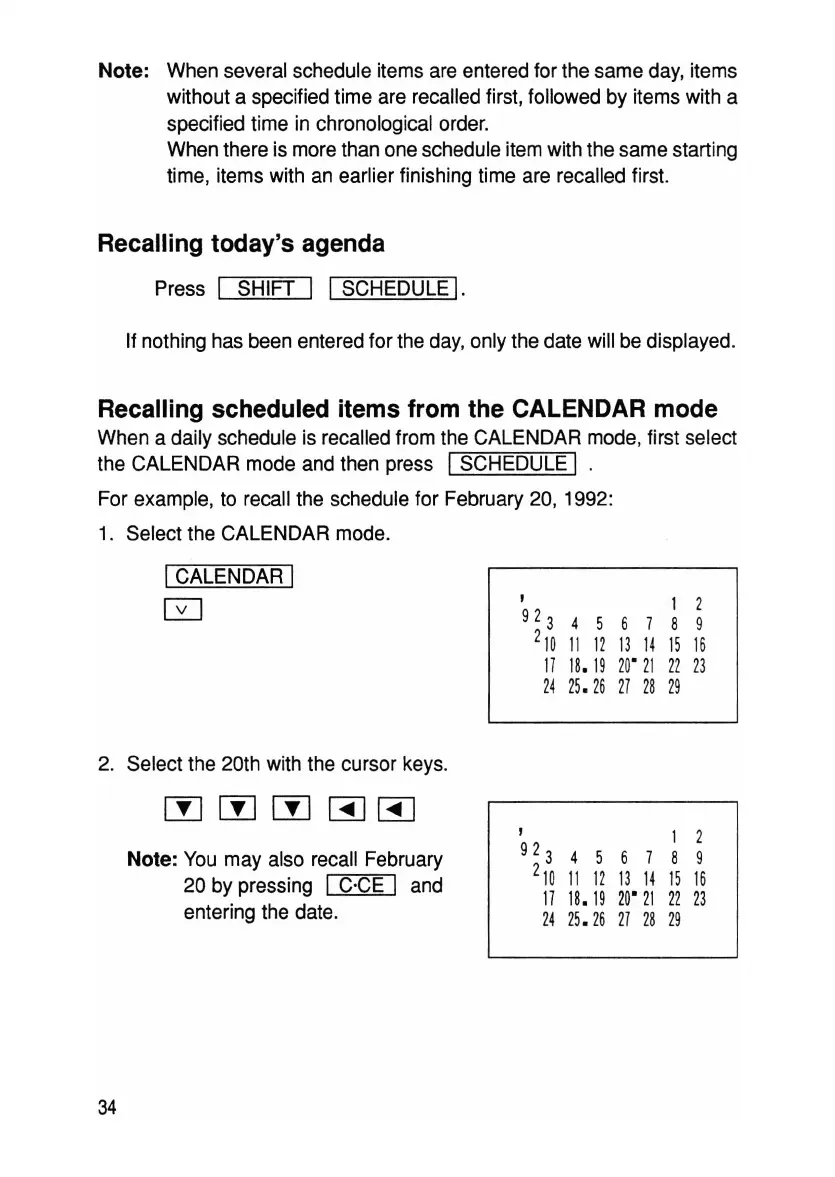
When a daily schedule is recalled from the CALENDAR mode, first select
the CALENDAR mode and then press
ISCHEDULE I .
For example, to recall the schedule for February 20, 1992:
1. Select the CALENDAR mode.
ICALENDAR I
0
,
1 2
923
4 5
6 7 8 9
2
10
11 12 13 14 15 16
17
18.
19
20
'
21
22 23
24
25.
26 27
28 29
2. Select the 20th with the cursor keys.
wrnWBJBJ
,
1
2
Note: You may also recall February
923
4 5
6 7 8 9
20 by pressing I C'CE I and
2
10
11
12
13
14
15
16
17
18.
19
20'
21
22
23
entering the date.
24
25.26
27 28 29
34



 To Next Page