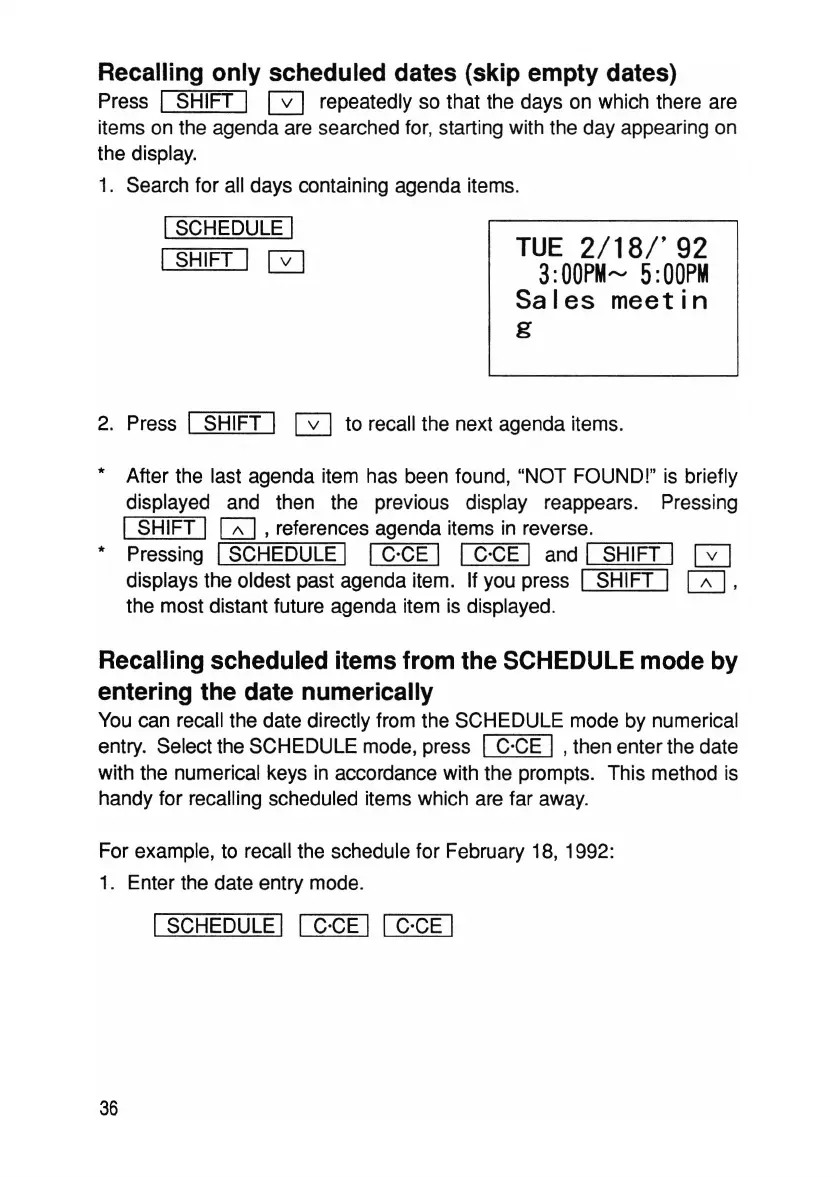
rUE
2/18/'92
3:
OOPM"",
5:
OOPM
Sales
meetin
g
Recalling only scheduled dates (skip empty dates)
Press I SHIFT I G repeatedly so that the days on which there are
items on the agenda are searched for, starting with the day appearing on
the display.
1. Search for all days containing agenda items.
ISCHEDULE I
I
SHIFT I 0
2. Press I SHIFT I 0 to recall the next agenda items.
* After the last agenda item has been found, "NOT FOUND!" is briefly
displayed and then the previous display reappears. Pressing
I SHIFT I
[Z]
, references agenda items in reverse.
* Pressing ISCHEDULE I I C'CE I I C'CE I and
Ir-S=H~IFT=>I
0
displays the oldest past agenda item. If you press I SHIFT I
0,
the most distant future agenda item is displayed.
Recalling scheduled items from the SCHEDULE mode by
entering the date numerically
You can recall the date directly from the SCHEDULE mode by numerical
entry. Select the SCHEDULE mode, press
I C'CE I , then enter the date
with the numerical keys in accordance with the prompts. This method is
handy for recalling scheduled items which are far away.
For example, to recall the schedule for February 18, 1992:
1. Enter the date entry mode.
I SCHEDULE I I C'CE I I C'CE I
36



 To Next Page