Deleting the agenda for an entire month
To delete the agenda for February, 1992, for example:
1. Select the CALENDAR mode and display the calendar for the month
you would like to delete.
ICALENDAR I I C'CE IIC'CE I 02 01 1992 ICALENDAR I
2. Press I SHIFT I I DEL I.
, 1 2
92
3
4 5 6 7 8 9
2
10
11 1
21
3 14 15 16
11 10 tn f\n.
1'\1
1'It)
1'1"
DELETE?
Y/N
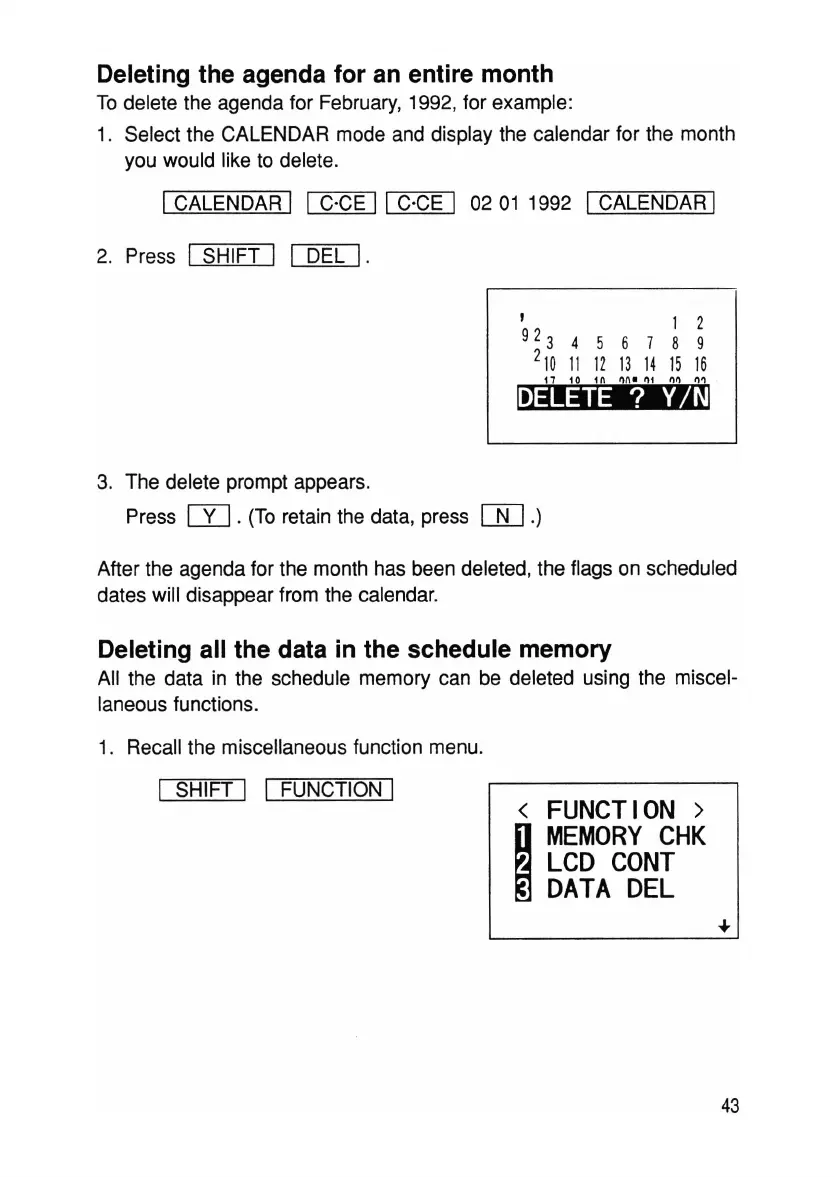
3. The delete prompt appears.
Press
m.
(To retain the data, press
[ID.)
After the agenda for the month has been deleted, the flags on scheduled
dates will disappear from the calendar.
Deleting all the data in the schedule memory
All the data in the schedule memory can be deleted using the miscel-
laneous functions.
1. Recall the miscellaneous function menu.
I SHIFT I I FUNCTION I
<
FUNCTION>
~
MEMORY
CHK
LCD
CONT
DATA
DEL
43



 To Next Page