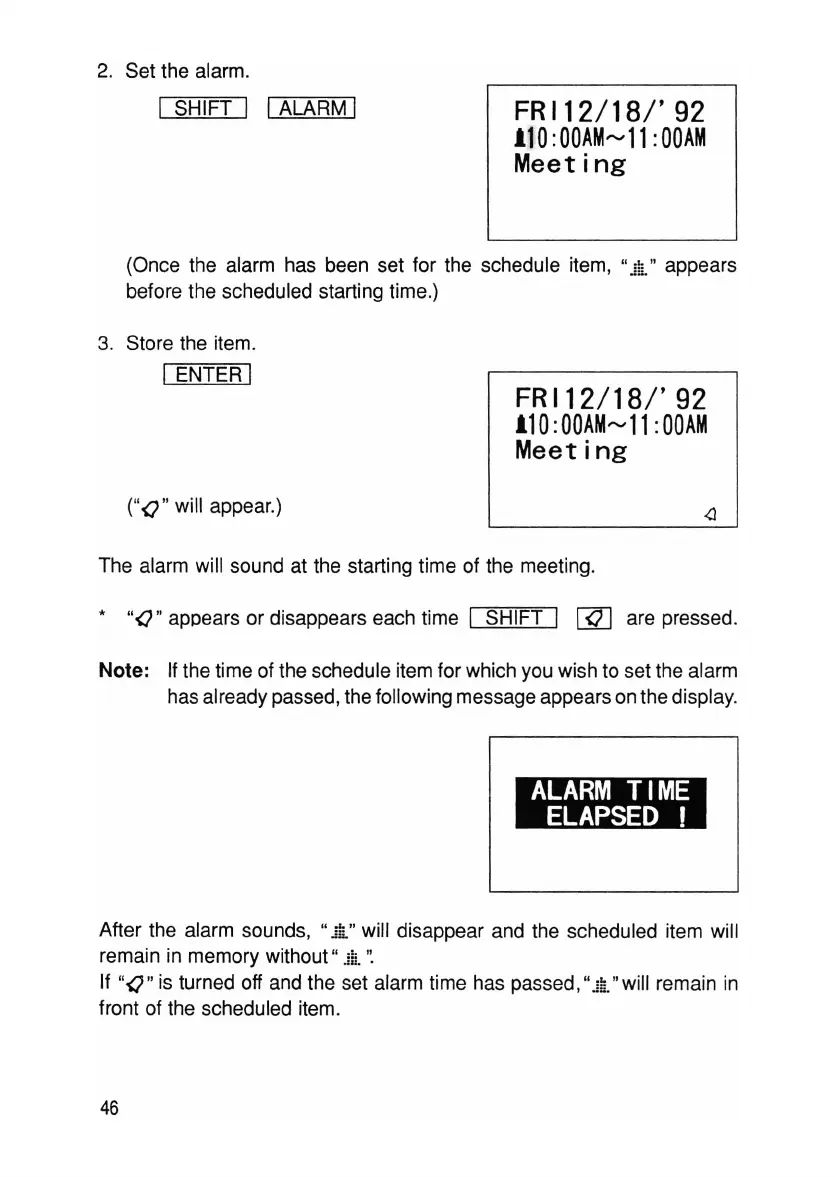
2. Set the alarm.
I SHIFT I I ALARM I
FRI12/18/'92
110:00AM~11:00AM
Meeting
(Once the alarm has been set for the schedule item, 11
ja"
appears
before the scheduled starting time.)
3. Store the item.
I ENTER I
FRI12/18/'92
110:00AM~11
:00AM
Meeting
(
"()
" will appear.)
The alarm will sound at the starting time of the meeting.
*
"O"
appears or disappears each time I SHIFT I
[ill
are pressed.
Note: If the time of the schedule item for which you wish to set the alarm
has already passed, the following message appears on the display.
~
~
After the alarm sounds, 11
ja"
will disappear and the scheduled item will
remain in memory without 11 j ;i. ':
If "
O"
is turned off and the set alarm time has passed ,11
ja"
will remain in
front of the scheduled item.
46



 To Next Page