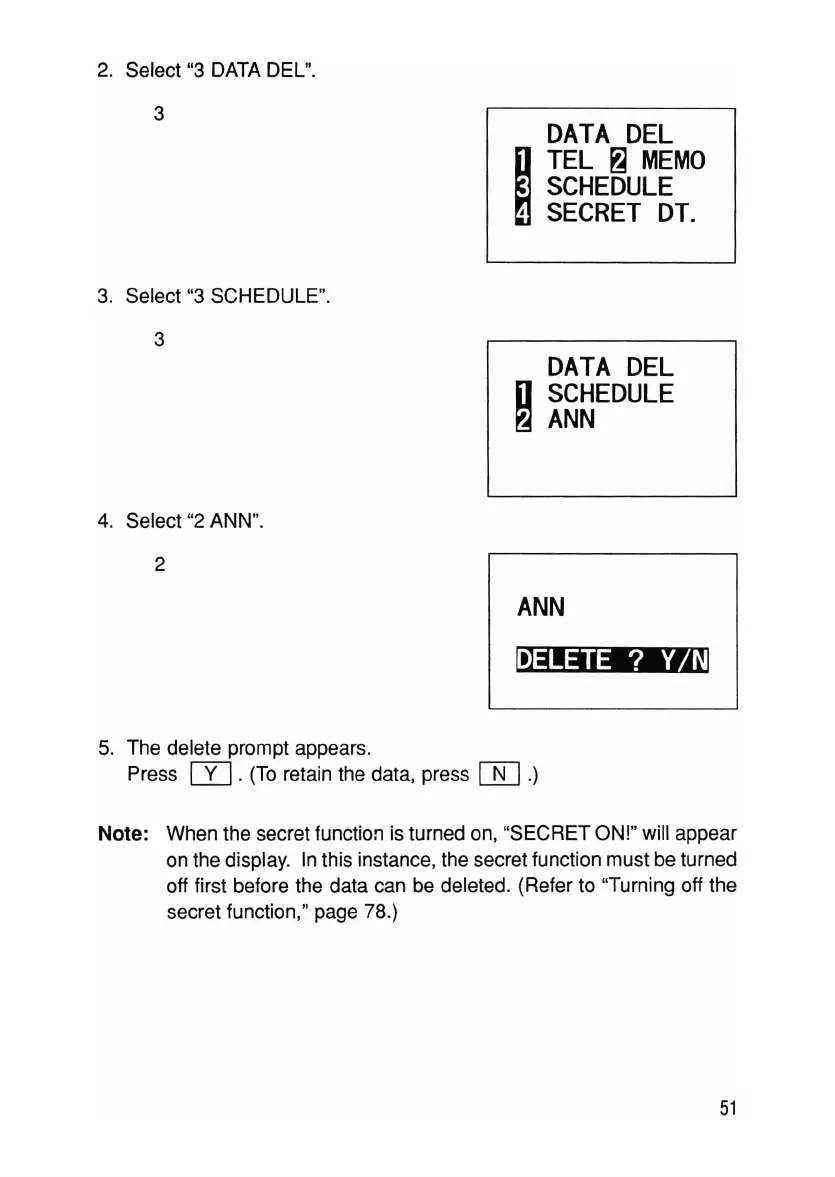
4. Select "2 ANN".
2
ANN
~
5. The delete prompt appears.
Press
[Y].
(To retain the data, press
OD
.)
Note: When the secret function is turned on, "SECRET ON!" will appear
on the display. In this instance, the secret function must be turned
off first before the data can be deleted. (Refer to "Turning off the
secret function ," page 78.)
51



 To Next Page