Recalling memos with a sequential search
Each time D is pressed, data is recalled in the order of entry. When
o is pressed, data is searched in reverse order.
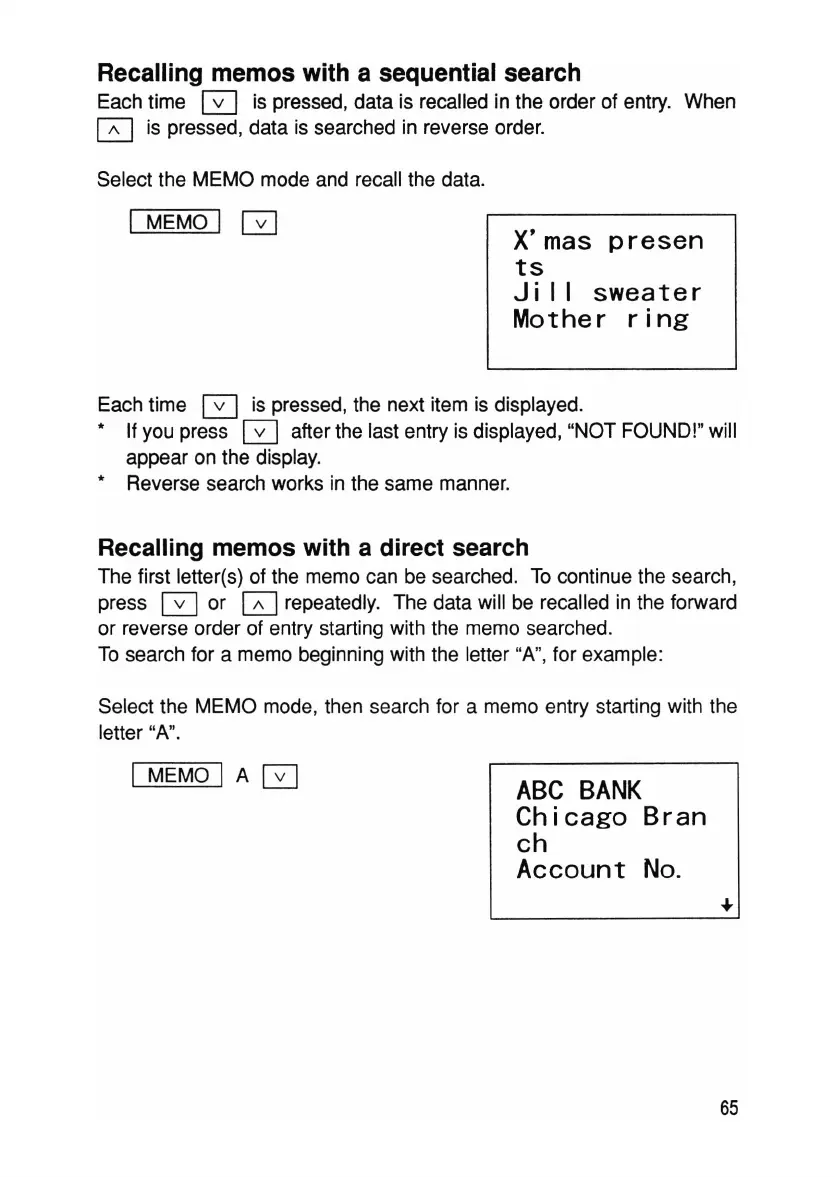
Select the MEMO mode and recall the data.
I MEMO I GJ
X'mas
presen
ts
Ji
11
sweater
Mother
ring
Each time 0 is pressed, the next item is displayed.
* If you press D after the last entry is displayed, "NOT FOUND!" will
appear on the display.
* Reverse search works in the same manner.
Recalling memos with a direct search
The first letter(s) of the memo can be searched. To continue the search,
press 0 or GJ repeatedly. The data will be recalled in the forward
or reverse order of entry starting with the memo searched.
To search for a memo beginning with the letter "A", for example:
Select the MEMO mode, then search for a memo entry starting with the
letter "A".
I MEMO I A 0
ABC
BANK
Chicago
Bran
ch
Account
No
.
65



 To Next Page