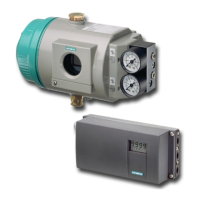
Device features
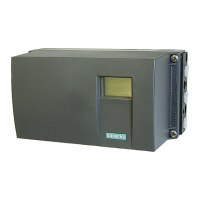
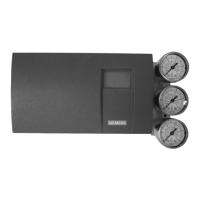
Figure 4-16 Analog Output Module (AOM) 6DR4004-6J (Ex) and 6DR4004-8J (non-Ex), schematic
representation
The Analog Output Module (AOM) is:
● Single channel
● Galvanically isolated from the basic device
Requirement
A supply source corresponding to the technical specifications (Page 251) of the option module
must be available.
Procedure
1. Open the positioner as in the description depending on the device version:
– Opening the standard and intrinsically safe version (Page 52)
– Opening the device version with "flameproof enclosure" (Page 55)
2. Slide the Analog Output Module (AOM) into the lower bay of the adapter as far as it will go.
3. Connect the Analog Output Module (AOM) to the basic electronics. To do this, use the 6-pin
flat ribbon cable provided.
4. Close the positioner as in the description depending on the device version:
– Closing the standard and and intrinsically safe version (Page 53)
– Closing the device version with "flameproof enclosure" (Page 58)
Installing/mounting
4.5 Installing option modules
SIPART PS2 with 4 to 20 mA/HART
Operating Instructions, 11/2019, A5E00074631-AE 61


 To Next Page
 Loading...