Functional Description
AP10S
Date: 04.09.2017 Art. No. 87826 Mod. status 269/17 Page 13 of 48
4.3.1.3 Value selection
For some parameters you can select values from a list.
Direct value input is not possible there.
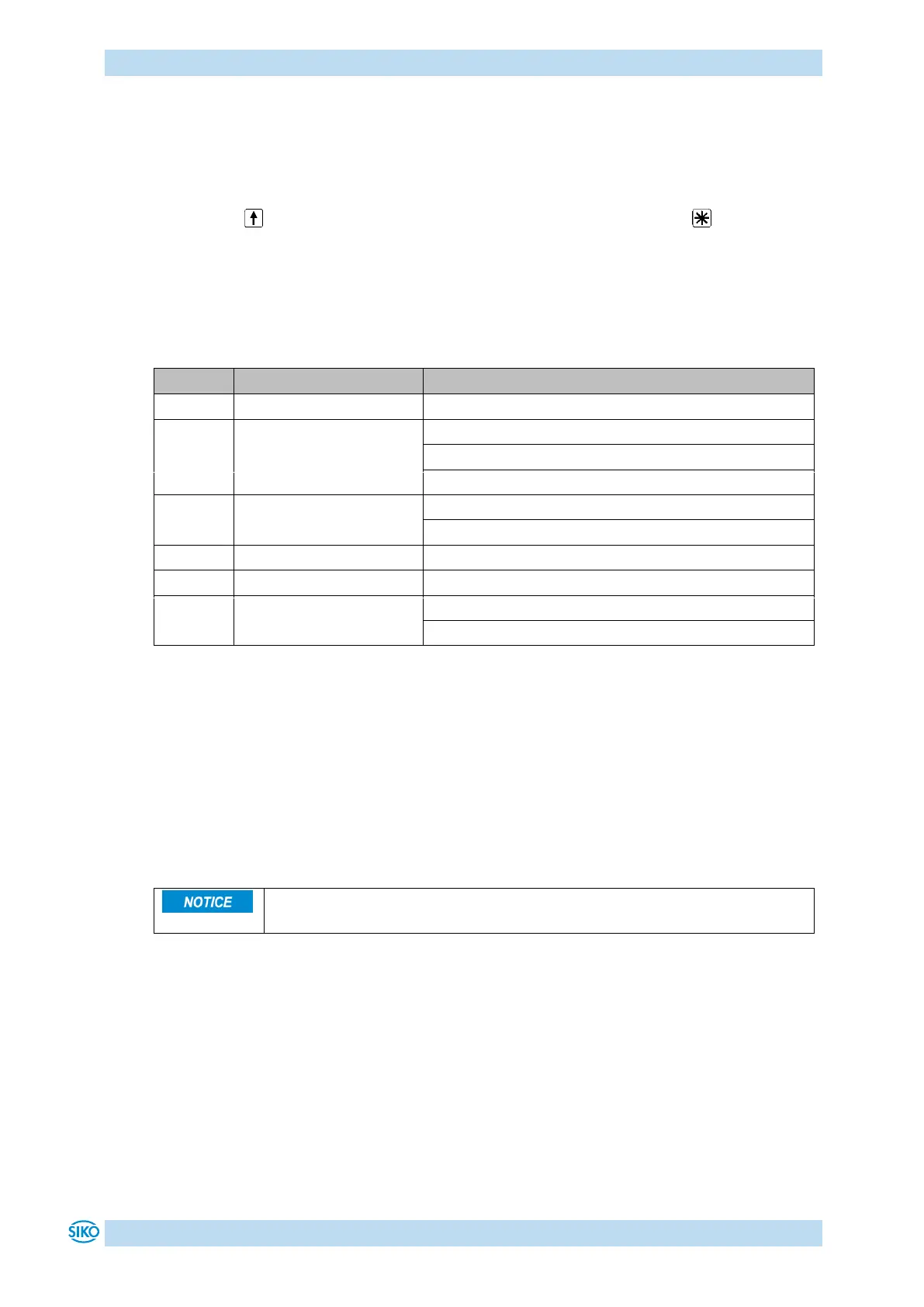
Pressing the key, the value can be selected from the list. By pressing the key, the
selection is confirmed.
4.3.1.4 Adjustable parameters
The following parameters can be adjusted.
Reset factory settings (see chapter 4.6.3)
Start diagnosis (see chapter 4.6.4)
Table 5: Manually adjustable parameters
4.3.2 Parameterization via interface
The position indicator can be completely parameterized in the RS485-SIKONETZ5 interface
(see chapter 6: Communication via SIKONETZ 5).
4.4 Sensor
Alignment travel is required if a new sensor is connected (see chapter 4.6.1:
Alignment travel).
Mounting of the sensors as well as installation of the sensor cable is explained in the
documentation pertaining to the sensor MS500H or GS04. With supply voltage switched on,
the display monitors the connected sensor. If no sensor is connected or if the sensor is lifted
from the tape (MS500H), an error will be detected and the position value displayed red with
flashing "Error". This status persists even with power supply failure. The error must be
corrected after checking the sensor connection or sensor position with calibration (see
chapter 3.4: Keys and chapter 4.6.2: Calibration). If both battery supply and power supply fail
simultaneously (e. g. during a battery change), the absolute position value can get lost. For
making the measuring system work again, calibration is required (see chapter 4.5.2: Errors and
4.6.2: Calibration).


 To Next Page