Communication via SIKONETZ 5
AP10S
Date: 04.09.2017 Art. No. 87826 Mod. status 269/17 Page 19 of 48
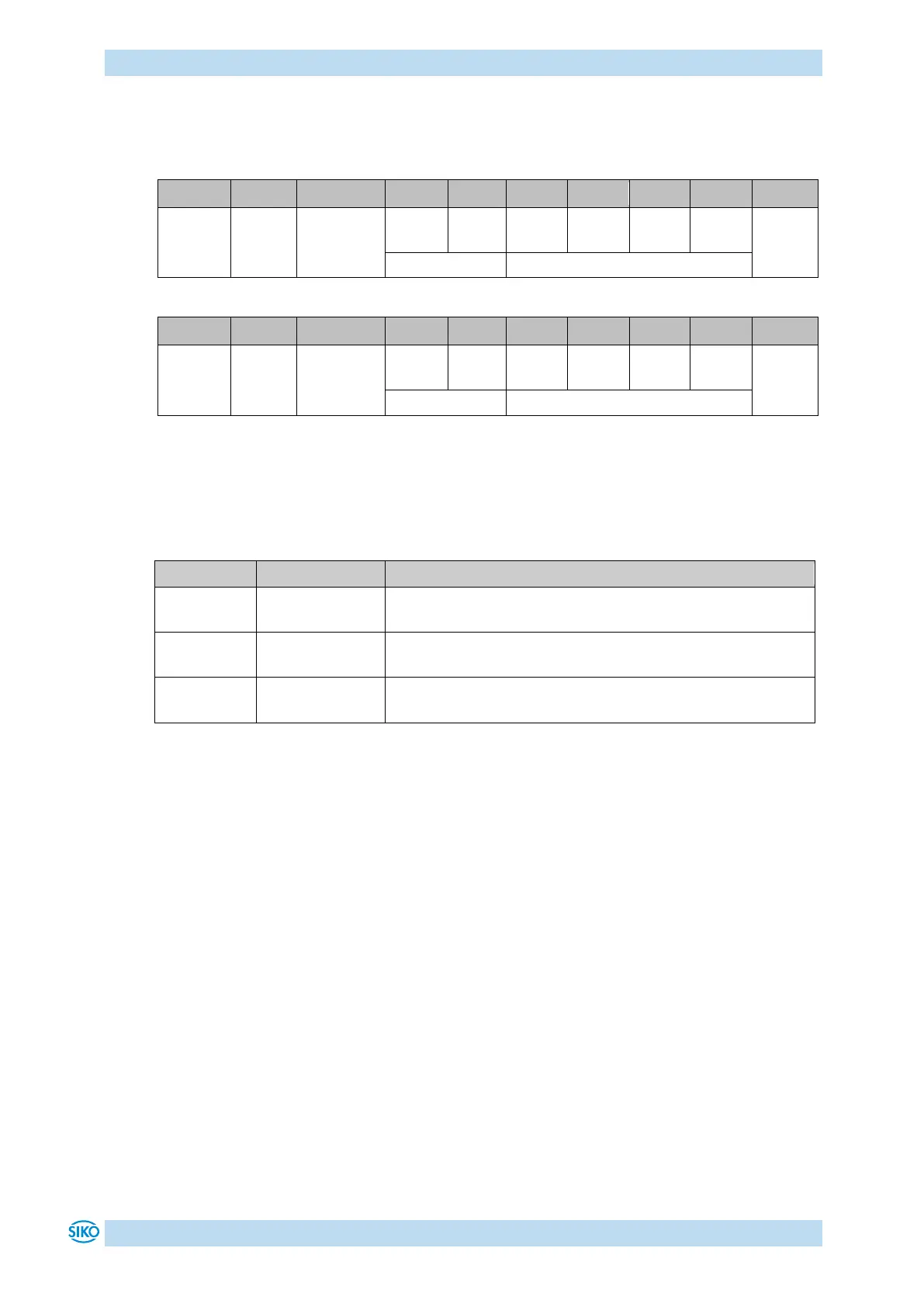
6.3 Telegram setup
Control word (CW), status word (SW) and data are transferred in the Big-Endian format.
Table 10: Command telegram (from master)
Table 11: Reply telegram (from slave)
6.3.1 Command
The following access types are provided by SIKONETZ5.
The master requests the addressed slave to output the
relevant value in a response telegram.
The master requests the addressed slave to accept the value
transferred in the same telegram.
The master requests all connected slaves to execute the
command transferred in the same telegram.
6.3.2 Node address
The device address can be freely set in the range of 0 to 127. The delivered devices are preset
to node address 31 ex works and must be reset to the desired address to enable their
operation with multiple slaves on the SIKONETZ5 fieldbus (see parameter 00h: Node address
and chapter 6.8: Auto-ID).
Each address can be assigned in the fieldbus only once!
6.3.3 Parameter address
A distinct address is assigned to every parameter (e. g. calibration value) or functional value
(e. g. set point) (see chapter 6.9: Parameter description).


 To Next Page