EasyManua.ls Logo

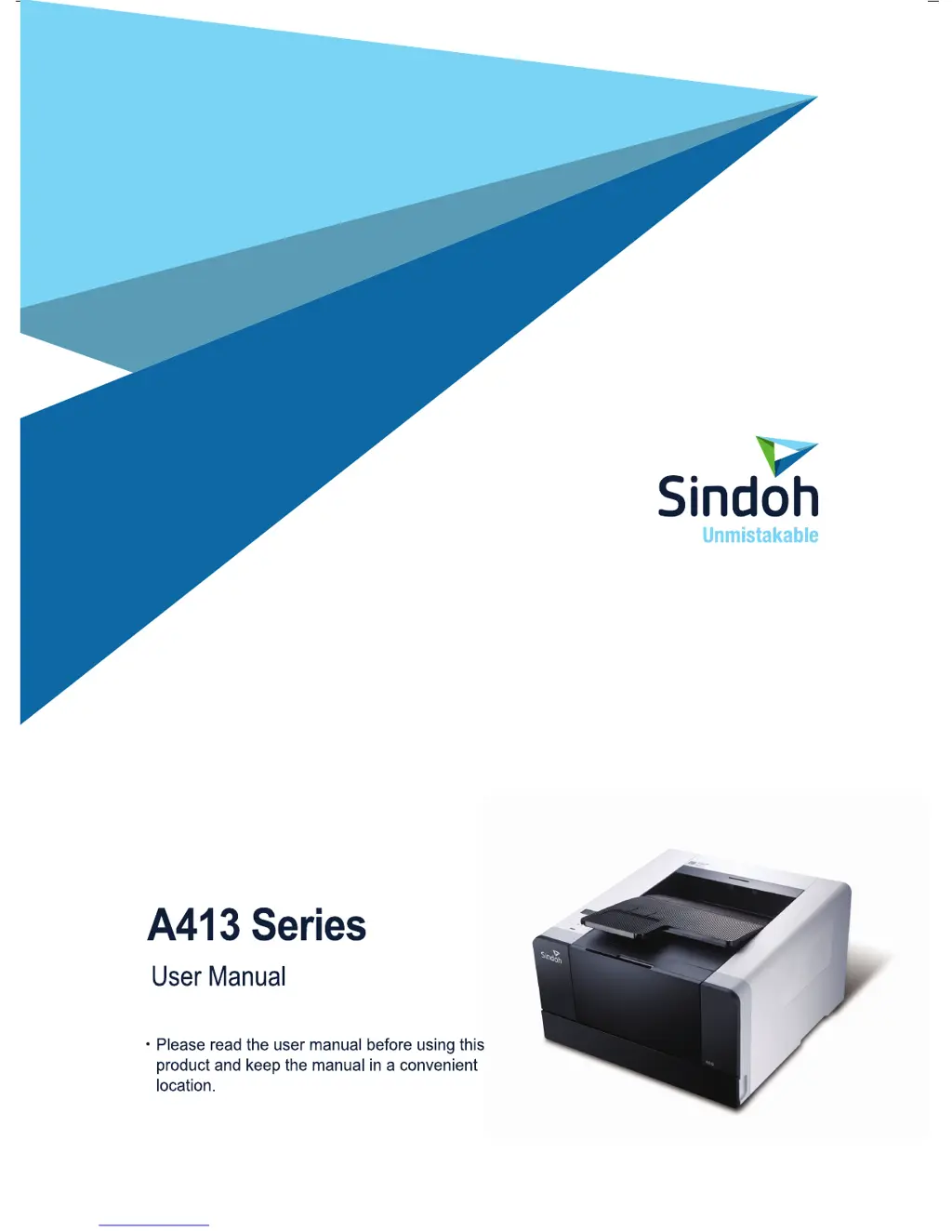
Sindoh A413dn - User Manual

Sindoh A413dn
134 pages
Print Icon
To Next Page IconTo Next Page
Loading...

Table of Contents

Questions and Answers

  • C
    Christopher SimmonsAug 25, 2025
    Why Sindoh All in One Printer is on but not printing?
    • K
      Katie ReedAug 26, 2025
      If your Sindoh All in One Printer is on but not printing, verify the cartridge is correctly installed. Also, check the USB cable, network cable, and Wi-Fi module are properly connected on the rear side. For wired network or Wi-Fi issues, refer to “Trouble 15 Network Connection Failure”.
  • A
    Alexander EscobarAug 25, 2025
    Why is the lamp in the control panel of my Sindoh All in One Printer not on?
    • L
      Lori KeyAug 25, 2025
      If the Sindoh All in One Printer is on but the lamp in the control panel is not, note that the lamp might illuminate after a few seconds. Also, ensure the power cord is properly connected.

Summary

Safety Precautions

General Safety Warnings

Crucial safety instructions to prevent injury or death.

Before Use: Device Safety and Operation

Safety Information and Handling

Details safety aspects like laser, heat, electric shock, and general handling.

Precautions for Installation and Use

Details precautions for installing, moving, and operating the device safely.

Printer Installation

Unpacking and Initial Setup

Steps for unpacking the printer and preparing for installation.

Cartridge Preparation and Installation

Procedures for preparing and installing the toner cartridge correctly.

Printer Driver Installation

Detailed guide for installing printer drivers and utilities on a PC.

Using the Printer

Network Configuration

Guides for setting up wired and wireless network connections.

Printer Management

Replacing Toner and Drum Cartridges

Step-by-step guide for removing and installing toner and drum cartridges.

Troubleshooting

Paper Jam Removal Guide

Detailed instructions for clearing paper jams from various locations.

Printer Quality Issues

Solutions for common print quality problems like blurred text or stains.

Sindoh A413dn Specifications

General IconGeneral
FunctionsPrint, Copy, Scan, Fax
Print TechnologyLaser
Print Resolution1200 x 1200 dpi
Monthly Duty Cycle100, 000 pages
Processor1.2 GHz
ConnectivityUSB, Ethernet, Wi-Fi
Paper Output150 sheets
Max Paper SizeA4
ADF Capacity50 sheets
Copy Resolution600 x 600 dpi
Fax Speed33.6 Kbps
Print Speed (Black)40 ppm
Duplex PrintingYes
Media Sizes SupportedA4, A5, A6, B5, Letter, Legal, Executive
Scanner TypeFlatbed, ADF
Scan Resolution600 x 600 dpi
Scan Speed20 ipm
Copy Speed40 cpm
First Print Out Time (Black)6.5 seconds

Related product manuals