|
21
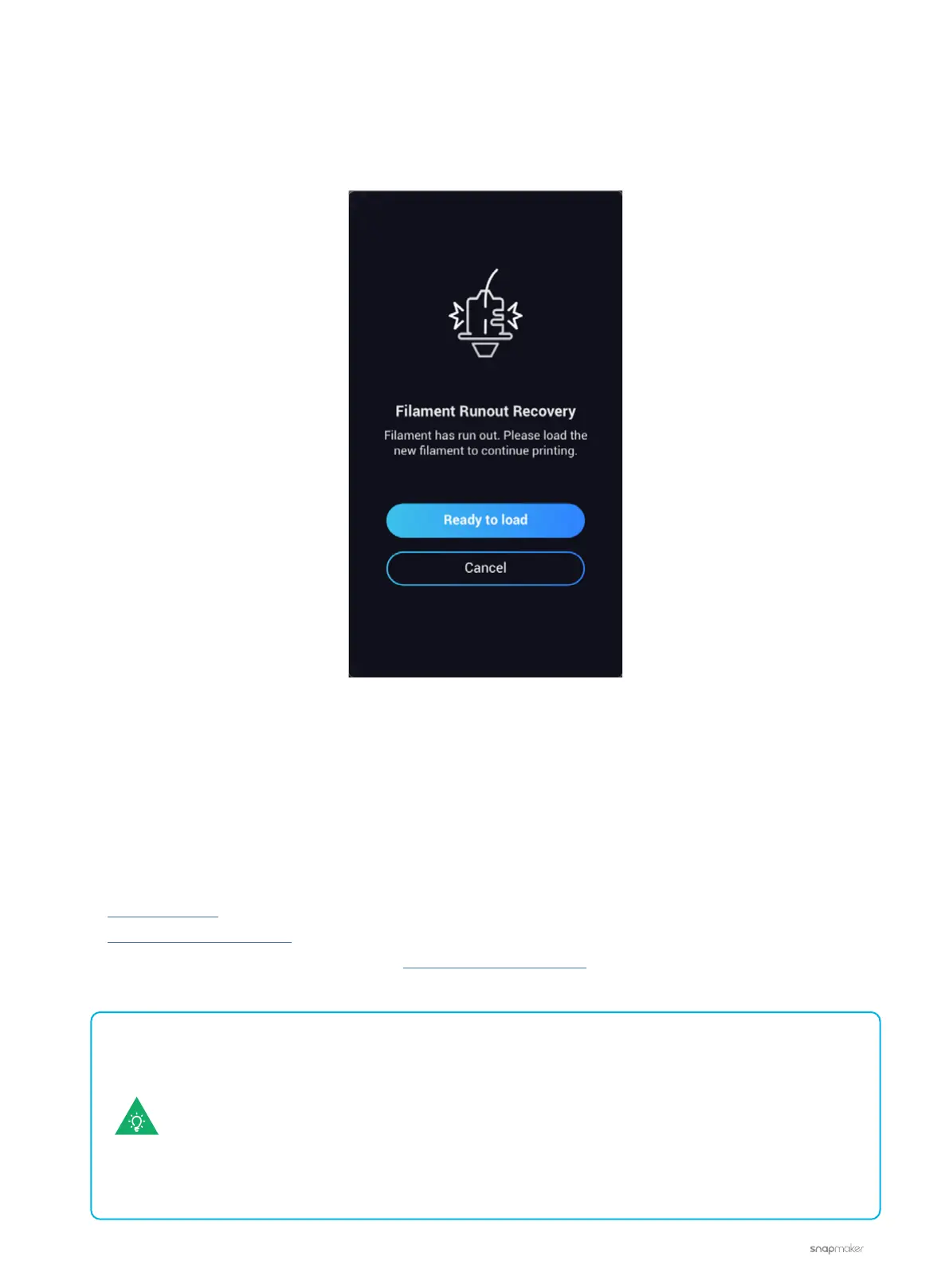
Touchscreen Keeps Showing Filament Runout
When you start a print, the Touchscreen keeps showing the screen below while the filament hasn’t run out de
facto.
Possible Causes
• The filament sensor isn’t seated right.
• The filament sensor is broken.
Actions
Adjust the filament switch as shown in the videos below:
1. Remove the fan.
2. Adjust the filament switch.
If the problem persists, please contact us at support@snapmaker.com for further assistance.
1. Connect your machine to your computer via the USB cable.
2. Launch Luban and input the commands below in the console.
- M412 S1: Enable filament runout detection
- M412 S0: Disable filament runout detection
- M412: Report the current filament runout detection state
If you want to start a print directly, follow the steps below to turn off filament runout detection.



 To Next Page